
Your safety mattersObtain a Automation order and protect yourself with one
- Simplified Guidance: Navigate paperwork hassle-free.
- Tailored Support: Personalized assistance for your needs.
- Stress-Free Process: Say goodbye to paperwork woes.
Experience stress-free paperwork with simplified guidance and tailored support. Say goodbye to hassle and hello to simplicity!
Compliance with legal regulations
The system must comply with all relevant legal regulations and guidelines for orders.
Efficient case management
The system should allow order managers to efficiently manage and track orders, with features such as automated case management and tracking of violations.
Scalability
The system should be able to handle a large volume of requests and orders, with the ability to scale up as needed to meet demand.
Process Automation Web Builder Features & Capabilities
Recognizing the need for order
The first step for a client in obtaining an order is to recognize that they are in danger and need legal protection.
01
Attorney reviews of your application
After reviewing your application, a team of attorneys will discuss any queries or suggested revisions with you.
02
Filing a petition
The attorney will help the client prepare and file a petition for an order with the court. The petition will include information about the client, the person they seek protection from, and why they need an order.
03
Your court application has been submitted
In order for the judge to consider our request for an order, we file your application with the court.
04
Temporary order
If the judge believes that the client is in immediate danger, they may issue a temporary order that will remain in effect until a hearing can be held. The attorney will help the client understand the terms of the temporary order and ensure that it is properly served on the person they are seeking protection from.
05
Issuance of a permanent order
If the judge determines that the client needs ongoing protection, they will issue a permanent order. The attorney will help the client understand the terms of the order and ensure that it is properly served to the person they are seeking protection from.
06
Manage Your Order
With Our Simple Web Dashboard
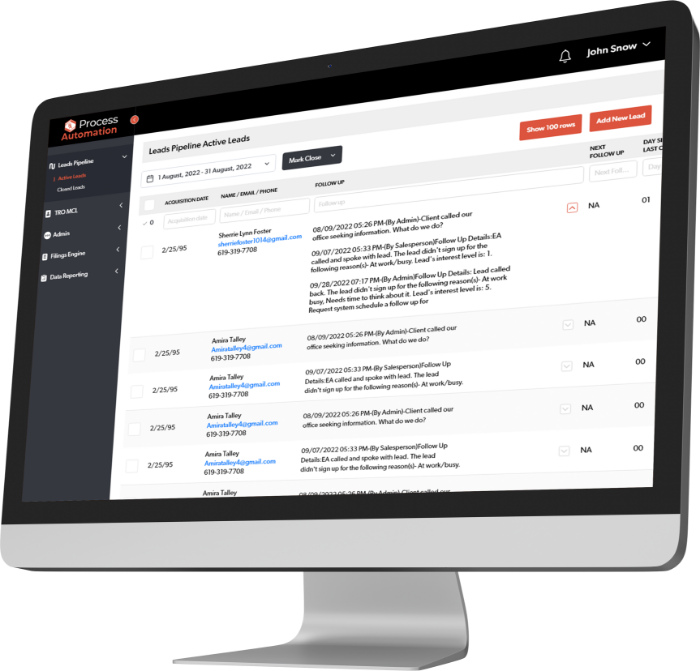
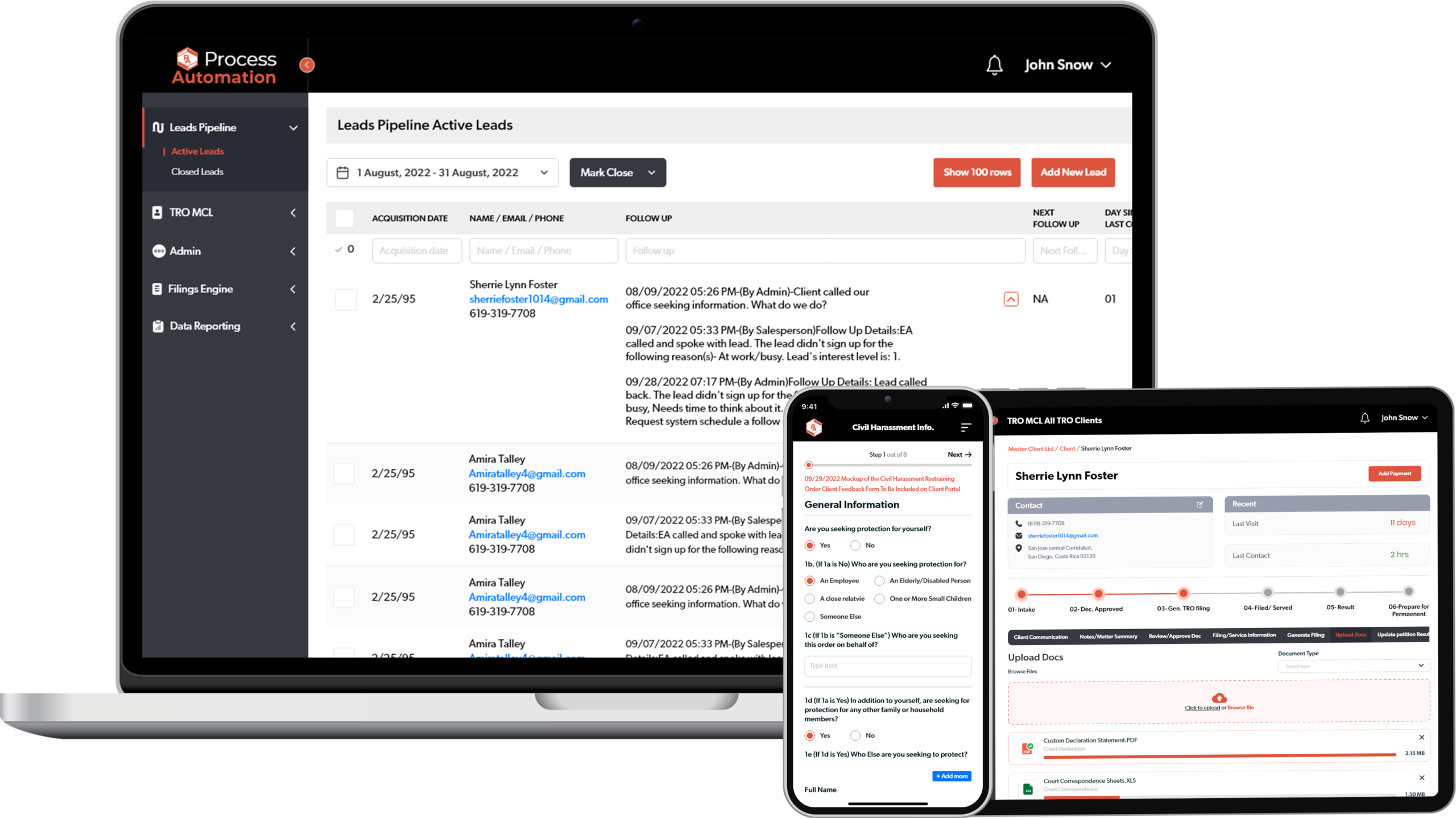
Our user-friendly Web dashboard gives you the ability to manage your safety. You can quickly make, track, and manage your purchase using our user-friendly interface.
Frequently Asked Questions
What is process automation and how does it benefit my business?
Process automation uses technology to perform repetitive tasks or workflows with minimal human intervention. For businesses, it reduces manual errors, cuts operational costs, speeds up task completion, and lets your team focus on high-value work. Bitcot’s process automation solutions help streamline everything from invoice processing to compliance tracking and case management.
What types of business processes can Bitcot automate?
Bitcot can automate a wide range of business processes including invoice and financial workflow processing, compliance and legal regulation management, case tracking and order management, petition filing and court submission workflows, document generation, and scalable order processing systems with web-based dashboards.
How does Bitcot ensure compliance with legal regulations in automated workflows?
Bitcot builds compliance checkpoints directly into the automation workflow. Each automated step is designed to align with relevant legal guidelines, ensuring that every order, case, or document processed through the system meets regulatory requirements. Our team reviews regulatory constraints during the discovery phase and incorporates them into the system architecture.
Can the process automation system scale as my business grows?
Yes. Bitcot’s process automation solutions are built with scalability in mind. The system is designed to handle increasing volumes of requests and orders without performance degradation. As your business grows, the platform can scale up to meet demand through cloud infrastructure and modular architecture.
What is included in Bitcot's process automation web dashboard?
Bitcot’s web dashboard provides a centralized, user-friendly interface to manage, track, and monitor all automated processes. It supports one-click publishing, real-time order and case tracking, role-based access for managers, and detailed reporting accessible across desktop, tablet, and mobile devices.






