- RPA fails most often due to poor process selection, not bad technology.
- According to Gartner, 80% of finance leaders have implemented or plan to implement RPA.
- Process standardization must happen before automation begins not after.
- San Diego and Los Angeles enterprises see fastest ROI when piloting in finance or ops first.
- Scaling without a governance model produces bot sprawl and rising maintenance debt.
Introduction
According to Gartner, 80% of finance leaders have either deployed or are actively planning robotic process automation yet fewer than half report achieving the efficiency gains they projected. The gap is not a technology problem. It is a sequencing problem. Organizations that struggle with RPA implementation almost always arrive at automation before they have resolved the governance, process design, and organizational alignment questions that determine whether a bot delivers value or creates a new category of technical debt.
This checklist is built for C-suite leaders in San Diego, Los Angeles, and across California who are making or reviewing an RPA investment decision. It covers the seven decisions that must happen in the right order from identifying which processes are actually automation-ready, to building a pilot that generates boardroom-credible evidence, to scaling with a model that does not collapse under its own complexity. Each step reflects patterns observed across real enterprise and mid-market automation programs, not vendor documentation.
What Is RPA and Why Business Leaders Misread Its Scope
Robotic Process Automation is software that performs rule-based digital tasks by interacting directly with existing applications logging into systems, extracting and entering data, triggering workflows, and generating reports without requiring changes to the underlying infrastructure. The key phrase is rule-based. RPA executes defined logic at machine speed; it does not make judgment calls or adapt to ambiguous inputs without explicit configuration.
The most common executive misread is treating RPA as a general-purpose efficiency tool. It is not. RPA delivers high ROI on tasks that are high-frequency, low-judgment, and process-stable. Invoice matching, order status updates, employee onboarding data entry, compliance reporting extracts these are strong candidates. Customer complaint resolution, complex procurement approvals, or anything requiring contextual interpretation is a poor fit unless AI components are layered in through an AI workflow automation architecture.
Popular platforms in enterprise deployments include robotic process automation tools such as UiPath, Automation Anywhere, and Microsoft Power Automate each suited to different organizational profiles. Choosing the wrong one for your existing tech stack is one of the most expensive early-stage mistakes, and it is almost always avoidable with structured vendor evaluation built into the implementation plan.
Why Most RPA Programs Stall Before They Scale
RPA programs do not usually fail at launch they stall at scale. The pilot works. The first bot runs cleanly. Then the second and third bot encounter edge cases the original process map did not capture, maintenance requests accumulate, and the IT team that was stretched thin before automation is now stretched thin plus managing a bot fleet.
According to Forrester, the most common failure points in enterprise RPA programs are insufficient process documentation before build, lack of a named business owner per bot, and absence of an exception-handling protocol. Each of these is a pre-implementation decision, not a technology limitation. When organizations skip the governance architecture in the rush to go live, they create exactly the kind of fragile automation environment that requires constant intervention and eventually gets abandoned.
A second pattern worth naming: automating a broken process. If an accounts payable workflow has three redundant approval steps because nobody documented a simpler path, RPA will execute all three redundant steps faster and errors will propagate faster too. Process redesign is not optional prep work. It is part of the business process automation investment itself.
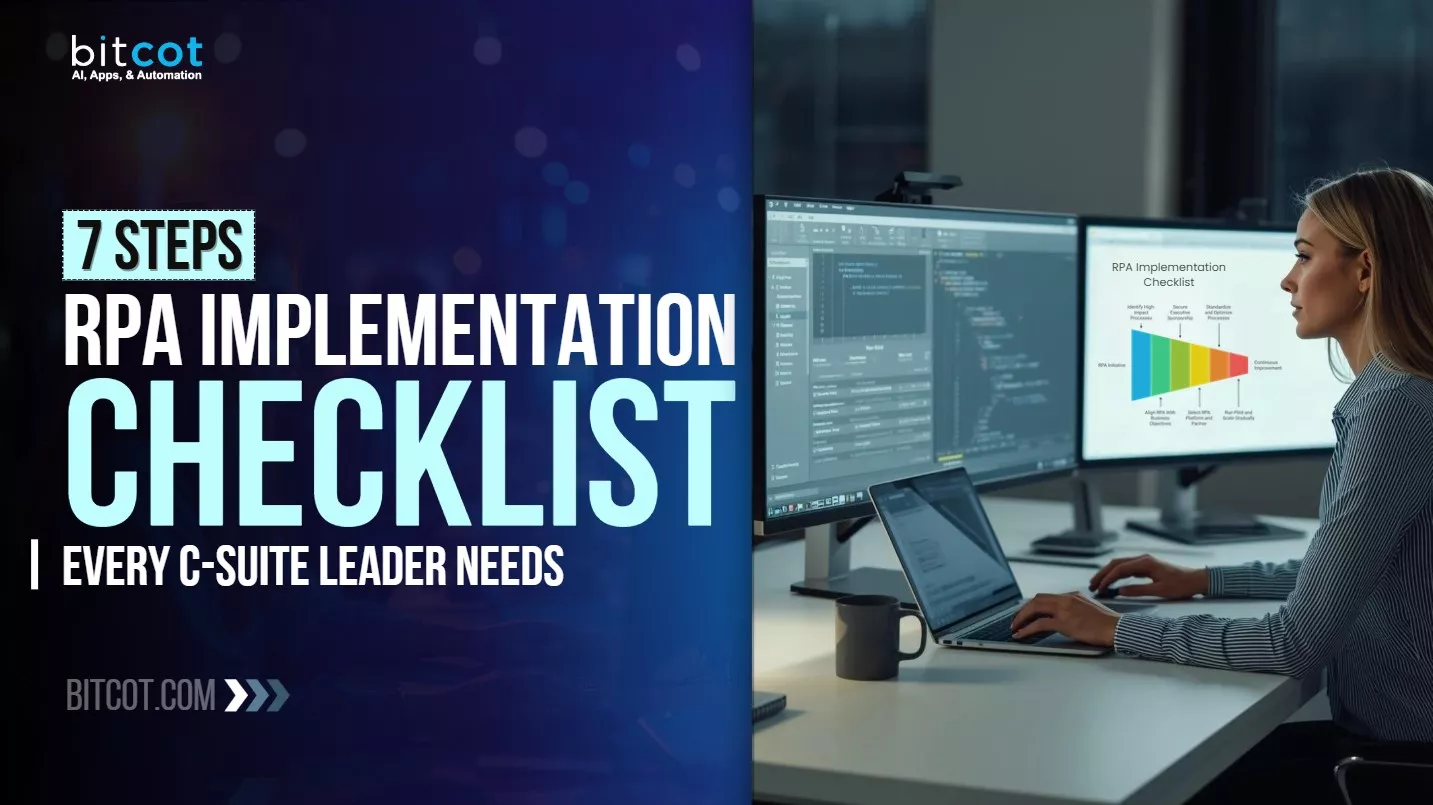
The 7-Step RPA Implementation Checklist
Step 1: Define the Process Selection Criteria Before Evaluating Candidates
Most teams evaluate processes for automation by asking “does this take a lot of time?” That question captures volume but misses the variables that actually predict automation success. A structured process selection framework evaluates four criteria: transaction frequency, rule clarity, exception rate, and system stability. Processes that score high on the first two and low on the last two are strong automation candidates. Processes with high exception rates or systems that change frequently produce fragile bots that break on deployment.
Finance operations, HR data management, supply chain status updates, and compliance reporting consistently score well against these criteria. Customer-facing workflows with high variability rarely do without significant AI augmentation. Build the scoring framework first, then apply it to a longlist of candidate processes this produces a defensible prioritization that leadership can review rather than a list that reflects whoever lobbied hardest in the discovery meeting.
Step 2: Align Each Automation to a Measurable Business Outcome
Every process selected for automation must connect to a specific, measurable business outcome: cycle time reduction, error rate improvement, headcount reallocation, throughput increase, or compliance audit readiness. “Saving time” is not a measurable outcome. “Reducing invoice processing cycle time from 4.2 days to under 24 hours” is.
This step matters for two reasons. First, it forces clarity on what the automation is actually supposed to accomplish, which improves bot design. Second, it creates the measurement baseline that makes post-deployment ROI tracking credible. Organizations that skip this step often find themselves defending an RPA program with anecdotal evidence six months later because they did not establish what they were measuring before they started. Connecting digital transformation investment to outcome metrics is the discipline that separates programs that scale from those that plateau after the initial pilot.
Step 3: Secure an Executive Sponsor With Cross-Departmental Authority
RPA implementation crosses departmental lines finance, IT, operations, HR, and compliance all have stakes in how bots are designed, deployed, and maintained. Without a named executive sponsor who has authority across those lines, the program will stall at every cross-functional decision point.
The sponsor does not need to be technical. They need to understand the business case well enough to defend resource allocation, resolve inter-departmental conflicts on prioritization, and keep the program aligned to the strategic plan when quarterly pressures push teams toward short-term trade-offs. In mid-market organizations across Los Angeles and San Diego, the most effective sponsors tend to be COOs or CFOs executives who own both the process pain points and the efficiency targets that RPA is expected to address.
Step 4: Standardize the Process Before Building the Bot
Automation preserves the logic of the process it automates. If the process has redundant steps, inconsistent rules between departments, or undocumented exceptions handled by individual employees, the bot will encode all of that inconsistency. Standardization before build is not bureaucratic overhead it is the step that determines whether the automation produces clean output or faster noise.
Process standardization involves documenting the current-state workflow at the transaction level, identifying and resolving rule conflicts, defining exception-handling paths explicitly, and confirming that the standardized version is approved by the business owner before handing it to the development team. Organizations that treat this step as optional consistently report higher bot maintenance costs and lower throughput accuracy in the first 90 days post-deployment. The AI-native product development principle applies here: build on clean foundations, not retrofitted ones.
Step 5: Design the Pilot for Evidence Generation, Not Just Proof of Concept
A pilot that proves the technology works is not the same as a pilot that generates the evidence a CFO needs to approve a scaled investment. The distinction matters. Technology proof-of-concept answers “can this run?” Evidence generation answers “what did this produce, at what accuracy rate, over what time period, measured against the baseline we set in Step 2?”
Design the pilot with a 60-to-90-day measurement window, a defined control group or pre-automation baseline, and weekly reporting cadence. Select one or two processes that represent the broader pipeline not the single easiest task, which will overstate likely program performance, and not the most complex, which will understate it. The pilot should produce a results deck that a C-suite audience can evaluate, not a technical demo that requires interpretation. Connecting the pilot to business software development governance standards ensures the output is auditable and repeatable.

Step 6: Build the Governance Model Before You Scale
Scaling RPA without a governance model produces bot sprawl a growing inventory of automations with no clear ownership, inconsistent exception-handling, and mounting technical debt that eventually costs more to maintain than it saves in labor. Governance is not a post-scale cleanup task. It is a pre-scale architecture decision.
A functional RPA governance model defines four things: who owns each bot (named business owner, not a department), what triggers a bot review or retirement, how exceptions are logged and escalated, and how new automation requests are evaluated and prioritized. Organizations that implement this model before expanding beyond the pilot phase consistently report lower maintenance overhead and higher automation uptime. The same enterprise application development discipline that governs custom software releases applies directly to bot fleet management.
According to Deloitte’s Global RPA Survey, organizations with a defined center of excellence for automation report 2x higher satisfaction with their RPA program outcomes compared to those managing automation ad hoc across departments. The center of excellence does not need to be a large team in mid-market organizations, it is often two or three people with clearly defined roles for bot governance, change management, and performance reporting.
Step 7: Track ROI at the Process Level, Not the Program Level
Program-level ROI reporting obscures which automations are delivering value and which are consuming maintenance resources without proportional return. Tracking ROI at the process level hours saved per bot, error rate improvement per workflow, throughput delta versus pre-automation baseline gives leadership the granular visibility to make reinvestment and retirement decisions with confidence.
Set a review cadence: quarterly for steady-state bots, monthly for bots in the first 90 days post-deployment. When a bot’s maintenance cost approaches the value it delivers, that is a retirement signal, not a failure it means the program has matured enough to recycle resources toward higher-value targets. This continuous improvement loop is what transforms a one-time automation initiative into a durable AI automation for business capability.
What Does a Realistic RPA Implementation Timeline Look Like?
A realistic RPA implementation timeline for a mid-market or enterprise organization runs in four phases. Discovery and process assessment typically takes two to four weeks. Bot design and development for the first automation set runs four to eight weeks depending on process complexity. Pilot deployment and measurement runs six to twelve weeks to generate statistically meaningful results. Scaling to additional processes and departments begins after pilot evidence is reviewed and continues on a rolling quarterly basis.
For most organizations in California, meaningful operational results from the first automation are visible within ten to fourteen weeks of project kickoff. Broader program ROI the kind that justifies board-level reporting typically emerges in the three-to-six-month window as the second and third automation cohorts go live. Organizations that compress the pilot phase to hit an arbitrary deadline consistently report lower confidence in their scaling decisions because the evidence base is insufficient. Patience at the pilot stage is a compounding investment. Connecting this timeline to software development trends in automation confirms that organizations with structured phasing consistently outperform those who rush to full deployment.
When Is the Right Time to Bring In an RPA Implementation Partner?
An RPA implementation partner adds the most value at two points: before the first line of automation is built, and at the transition from pilot to scaled program. Before build, an experienced partner can run the process assessment, identify which candidate processes are truly automation-ready, select the platform that fits the organization’s existing tech stack, and design a governance model before the program has accumulated technical debt. At the pilot-to-scale transition, a partner can stress-test the governance model against the bot inventory that actually exists rather than the one that was planned.
Organizations that operate across multiple departments, use legacy systems with limited API accessibility, face regulatory reporting requirements, or are planning to automate more than ten processes in the first twelve months benefit most from structured external support. According to IBM’s Institute for Business Value, enterprises that engage a dedicated automation partner in the planning phase reduce time-to-first-deployment by an average of 35% compared to teams building internal capability from scratch. The RPA solutions that deliver the strongest business outcomes share one characteristic: they are designed with the scaling architecture in mind from day one, not retrofitted after the first deployment reveals gaps.
What RPA Engineers Observe Across Automation Builds in California
Across automation programs built for organizations in San Diego and Los Angeles, a consistent pattern emerges in the projects that underperform: the process owner and the implementation team operate on different definitions of what “exception” means. The business owner considers an exception to be a rare edge case. The engineering team discovers that exceptions represent 20 to 35% of actual transaction volume. That gap between the whiteboard version of a process and the live version is where most bot maintenance cost originates.
The engineering practice that addresses this is not more sophisticated automation tooling. It is running a transaction-level process audit using actual production data from the 90 days prior to bot design. When teams map exception frequency against the full transaction log, the true process complexity becomes visible before a single line of automation is written. This is the single most valuable pre-build step our engineering team applies, and it consistently reduces post-deployment support requests by making exception-handling logic explicit rather than assumed. Organizations that invest in this audit step arrive at scaling with a substantially cleaner automation foundation and a more accurate ROI model. The same discipline applies whether the team is building healthcare automation solutions or financial operations workflows.

Conclusion
The difference between an RPA program that scales and one that stalls is rarely the platform selected or the number of bots deployed. It is the sequence of decisions made before the first bot goes live: which processes are genuinely automation-ready, what outcome each automation is expected to produce, who owns each bot, and what governance model will manage the portfolio as it grows. The seven steps in this checklist are not independent best practices they are a decision sequence, and order matters. Organizations that follow this sequence arrive at scaling with clean processes, credible evidence, and a governance model built to sustain growth. Those that skip steps arrive at complexity.
If your organization is evaluating an RPA investment or reviewing a program that has stalled before scaling, the most productive starting point is a structured process readiness audit not a platform demo. The audit surfaces the real automation opportunity, identifies what needs process redesign before build, and produces the evidence base that makes scaling decisions defensible at the board level.
Frequently Asked Questions
What is an RPA implementation checklist?
An RPA implementation checklist is a structured sequence of pre-build and deployment decisions that ensures robotic process automation delivers measurable business outcomes rather than fragile bots that require constant maintenance. It typically covers process selection criteria, business outcome alignment, executive sponsorship, process standardization, pilot design, governance architecture, and ROI tracking methodology in that order, because sequence determines program quality.
What is the difference between RPA and workflow automation?
RPA automates rule-based tasks by interacting directly with existing application interfaces it mimics how a human user operates software without requiring API access or system changes. Workflow automation is a broader category that includes process orchestration, conditional logic, and integration across systems, often requiring API connectivity or middleware. RPA is typically the faster path to deployment for high-frequency, low-judgment tasks, while full workflow automation is better suited to complex multi-system processes that require conditional branching and exception management at scale.
How do you measure ROI from an RPA implementation?
ROI from RPA is most accurately measured at the process level, not the program level, using four metrics: cycle time reduction (pre- versus post-automation average processing time), error rate improvement (exception and correction rate before and after), throughput delta (volume processed per unit time), and labor reallocation (hours freed from manual task execution). These metrics must be baseligned before deployment organizations that skip pre-deployment measurement cannot produce credible ROI evidence at the 90-day review, which is the most common reason RPA programs lose internal momentum before scaling.
How is RPA used in San Diego enterprises?
San Diego enterprises apply RPA most heavily in three sectors: life sciences and medical device companies automating regulatory reporting and clinical trial data management; defense and aerospace contractors managing supply chain compliance workflows; and financial services firms processing high-volume transaction reconciliations. The common thread is high transaction frequency combined with regulatory documentation requirements exactly the conditions where RPA delivers consistent ROI. Organizations across the San Diego metro also use RPA to bridge legacy ERP systems with modern SaaS platforms where direct API integration is cost-prohibitive.
Is RPA worth the investment for mid-sized companies?
RPA delivers positive ROI for mid-sized companies when the target processes are high-frequency, rule-stable, and process-documented before build begins. The investment threshold drops significantly when the program starts with a focused pilot of two to three processes rather than a broad deployment, because this approach reduces platform licensing overhead, limits initial development scope, and generates credible evidence before the organization commits to scaling. Mid-sized companies that struggle with RPA ROI almost always share a common pre-condition: they automated before standardizing the underlying processes, which means the bot inherits and accelerates the inefficiency it was supposed to eliminate.