Building a professional website used to be expensive, slow, and heavily dependent on developers or an ecommerce development company.
Today, that assumption can quietly cost your business momentum if the wrong platform is chosen.
If you’re a CEO, CTO, or non-technical founder, you’ve probably felt this tension already. Your website is no longer “just a site.” It is your primary sales engine, brand signal, and growth lever. Yet choosing the wrong website builder can leave you trapped with slow performance, limited scalability, poor SEO visibility, or forced rebuilds just as your business starts scaling.
The frustration is real.
Some platforms promise simplicity but restrict customization. Others offer flexibility but introduce hidden costs, technical debt, or ongoing reliance on an ecommerce development company for even minor changes. With AI-powered builders, no-code tools, and headless architectures evolving fast, the decision has become more strategic and more confusing.
So here’s the real question worth asking:
Is your website platform helping your business move faster, or silently holding it back?
Ignoring this decision doesn’t just affect design. It impacts conversion rates, customer trust, marketing ROI, and your ability to scale without disruption. We’ve seen businesses lose months and significant budget because their initial platform choice could not support growth.
This guide is written for business leaders who want clarity, not hype. Founders launching quickly, CTOs planning scalable architecture, and executives accountable for digital growth outcomes will find this especially relevant.
At Bitcot, we’ve helped startups, scale-ups, and enterprises evaluate whether website builders are enough or when partnering with an ecommerce development company or building custom solutions becomes the smarter long-term move.

In this blog, we’ll unpack:
- The best website builders for 2026, with a clear comparison of features, pricing, and use cases
- How AI-driven tools, no-code platforms, and performance-focused design are shaping modern website creation
- Which platforms are best for quick launches, and which support long-term growth and scalability
- How to decide when a website builder is enough and when custom development becomes a strategic advantage
By the end, you’ll walk away with a clear, actionable framework to choose the right platform for your business without overengineering or costly rework.
Let’s start by understanding why choosing the right website builder matters more than most businesses realize.
Why Choosing the Right Website Builder Matters
The website platform decision affects every customer interaction, marketing campaign, and growth milestone. Here’s why this choice deserves careful consideration:
1. Better Performance and Speed
Website speed creates first impressions. Google research has shown that 53% of mobile users abandon sites taking longer than three seconds to load. Fast websites rank higher in search engines and respect visitors’ time.
2. Easy Content Management
The right website builder eliminates technical bottlenecks. Teams can share news, launch new products, and respond to market changes without waiting for developers. When updating the website feels as natural as sending email, businesses stay agile and responsive.
3. Cost Efficiency
Budget surprises hurt, especially for lean operations. Some platforms promise affordability but add hidden costs for essential features. Others bundle everything into transparent packages. Understanding total cost of ownership protects against surprises and enables confident financial planning.
4. Scalability
Success brings challenges. Viral moments, media features, and seasonal surges should be celebrations, not crises. Platforms that can’t grow with ambition force painful migrations during critical growth phases. Smart businesses choose platforms that scale seamlessly.
5. SEO-Friendly Structure
Search engines reward websites with clean code, fast performance, mobile optimization, and proper structure. Not all website builders prioritize these equally. The right platform helps potential customers discover the site through organic search.
6. Customization Capabilities
Every brand has a unique story. The top website builders grow with an evolving identity, supporting the journey from startup to an established brand. They accommodate custom features, integrate with third-party tools, and adapt smoothly when requirements shift.
Choosing wisely from the start saves more than money and time. It preserves momentum and keeps focus where it belongs: on serving customers and building something remarkable.
Trends in Website Building for 2026 and Beyond
Understanding these trends means staying ahead and staying relevant:
1. AI-Powered Website Creation
The best AI website builders feel like creative partners. They generate working layouts, suggest imagery, optimize content for SEO, and personalize user experiences. This technology eliminates guesswork while delivering professional results.
2. No-Code and Low-Code Dominance
Technical barriers are crumbling. Marketing professionals no longer wait for developers. The best no-code website builders like Webflow and Squarespace deliver sophistication without complexity, proving that powerful tools don’t have to be difficult to use.
3. Headless Architecture and API-First Approach
Enterprise brands are discovering greater flexibility with headless CMS platforms. These separate content from presentation, enabling complete design freedom while maintaining powerful business system connections. This architecture suits extensive product catalogs, advanced personalization, and multi-channel strategies.
4. Mobile-First and Performance-Driven Design
Mobile devices have become essential companions. Google’s mobile-first indexing prioritizes mobile-optimized websites. Modern website builders embrace mobile-first design because that’s where users spend most of their browsing time.
5. Built-in Marketing Ecosystems
Juggling multiple marketing tools is exhausting. Modern website builders bundle CRM systems, email marketing platforms, conversion optimization tools, SEO analysis, and analytics dashboards into cohesive ecosystems. Integrated solutions save time and money.
6. Stronger Security and Data Protection
Trust is precious. Website builders now treat security as a sacred responsibility. Automatic backups, continuous monitoring, SSL certificates, DDoS protection, and compliance assistance for GDPR and CCPA regulations work quietly in the background.
7. Personalization with Machine Learning
Advanced platforms leverage machine learning to create personally crafted experiences, showing visitors content that resonates with their specific interests. Better user engagement and higher conversion rates follow.
These trends represent a fundamental shift toward more human, accessible, and empowering web technology. The platforms that win in 2026 understand people, not just protocols.
Ready to stay ahead of these trends? Whether you’re choosing a platform that embraces these innovations or building something custom that leverages them fully, the right choice depends on your specific business needs. Let’s explore the top options.
10+ Best Website Builders for 2026
Finding the right website builder isn’t about choosing the “best.” It’s about discovering which platform aligns with your specific business goals, technical comfort level, and growth plans. Each platform below has helped countless businesses succeed. Here’s what makes each one unique:
1. WordPress
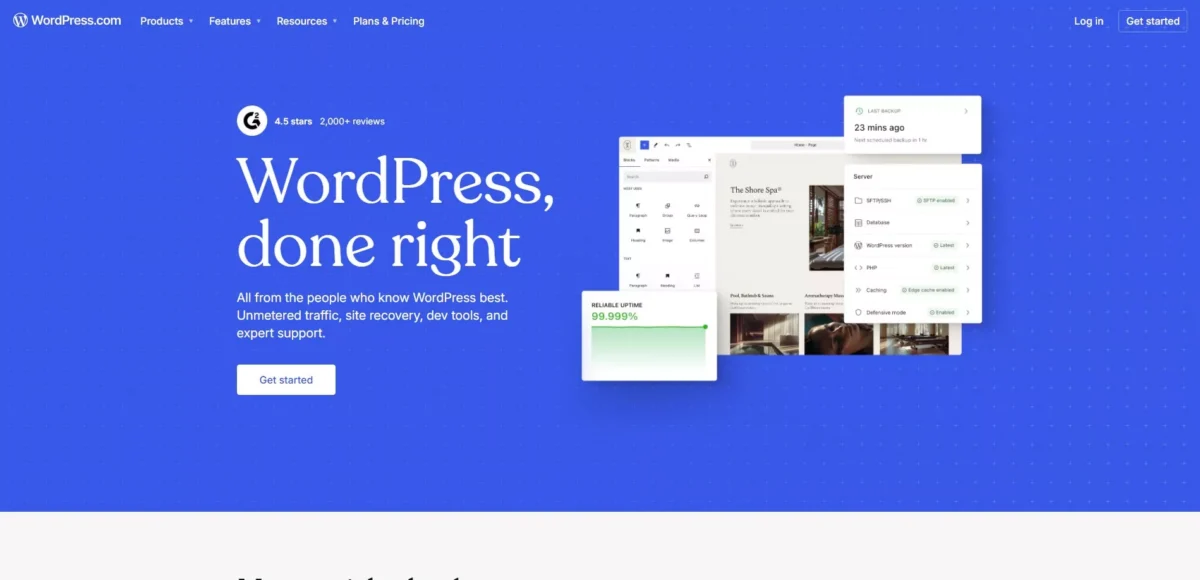
WordPress powers over 43.4% of all websites globally. This open-source CMS platform has earned trust through decades of reliability, which is why many growing businesses rely on professional WordPress development services to build scalable, high-performing websites. Complete ownership means never worrying about platform restrictions or forced migrations.
With over 60,000 plugins and thousands of themes, WordPress offers virtually limitless creative possibilities. Need an eCommerce store? WooCommerce handles it. A learning management system? Covered. A membership-based community? Fully supported.
Pros:
- Complete ownership and control over website and data
- Massive plugin ecosystem with 60,000+ options
- Excellent SEO capabilities with advanced optimization tools
- Highly scalable from small blogs to enterprise websites
- Strong community support and extensive documentation
Cons:
- Steeper learning curve compared to drag-and-drop builders
- Requires separate web hosting and domain management
- Regular maintenance needed for updates and security patches
- Plugin compatibility issues can arise occasionally
2. Shopify and Shopify Plus

Trusted by millions of online stores worldwide, Shopify simplifies eCommerce complexity. This all-in-one platform handles the technical details, which is why many brands invest in Shopify development to customize storefronts, optimize performance, and integrate essential business systems while staying focused on products and customer experience.
From solopreneurs to established brands managing millions in revenue, Shopify scales with ambition. Shopify Plus extends enterprise-grade capabilities for high-volume merchants that require advanced features, automation, and deeper customization.
Pros:
- All-in-one eCommerce solution with hosting included
- Excellent payment processing and checkout experience
- Extensive app marketplace for added functionality
- 24/7 customer support and reliable uptime
- Mobile-optimized themes and strong conversion tools
Cons:
- Transaction fees unless using Shopify Payments
- Monthly costs increase with premium apps and features
- Limited customization compared to open-source platforms
- Blog functionality less robust than dedicated CMS platforms

Top website builders with templates
3. BigCommerce
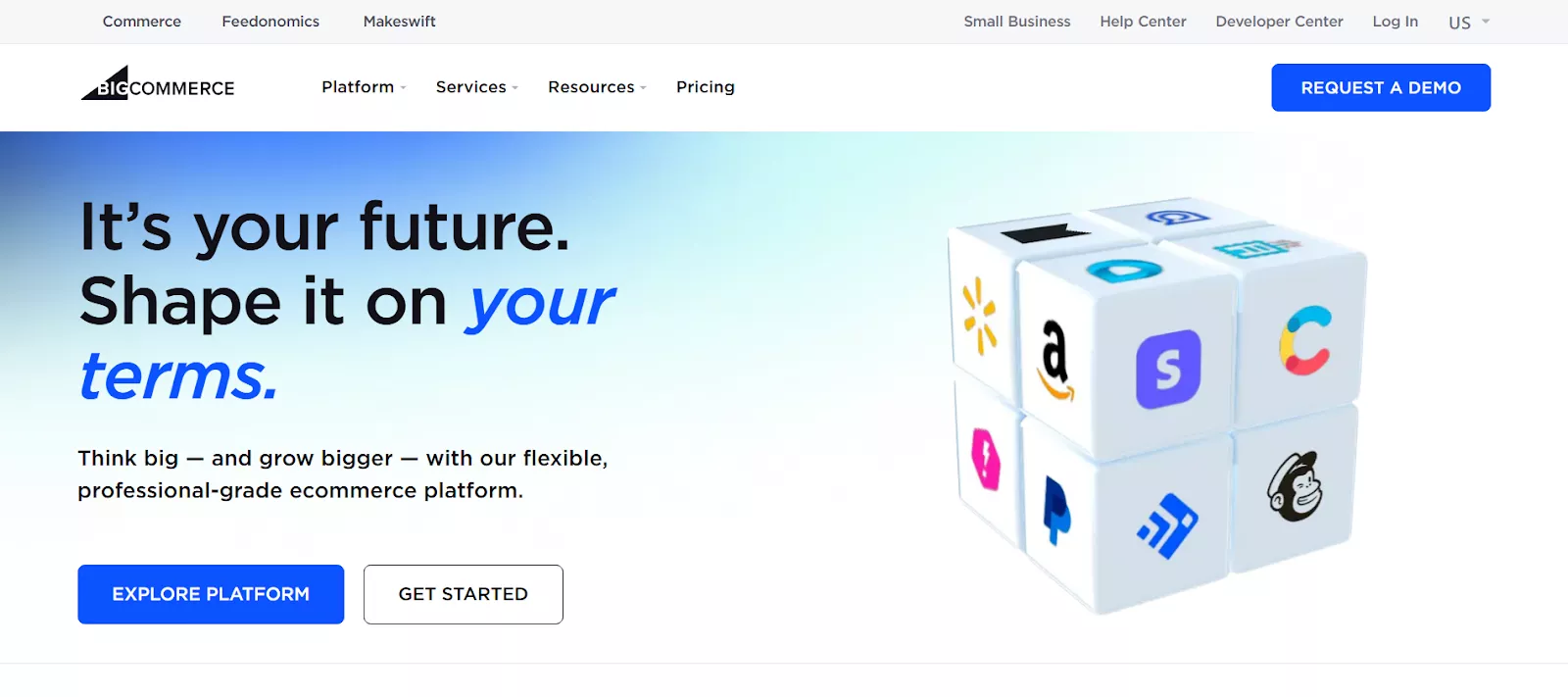
BigCommerce was built for ambitious brands with extensive product catalogs and demanding B2B requirements. This enterprise platform is often chosen alongside professional BigCommerce development to tailor complex workflows, optimize performance, and support scalable commerce operations without relying on excessive third-party add-ons.
What sets BigCommerce apart is its philosophy. Built-in functionality that competitors charge extra for comes standard. For brands planning long-term dominance, BigCommerce provides a strong foundation to scale efficiently and confidently.
Pros:
- No transaction fees on any plan
- Built-in features reduce need for third-party apps
- Superior multi-channel selling capabilities
- Strong B2B eCommerce functionality and wholesale features
- Advanced SEO tools built into the platform
Cons:
- Steeper learning curve than Shopify
- Sales thresholds can force plan upgrades
- Theme customization requires technical knowledge
- Smaller app marketplace compared to Shopify
4. Squarespace
 Squarespace speaks the language of aesthetics. For photographers showcasing portfolios, restaurants creating mouth-watering first impressions, and designers launching personal brands, Squarespace understands that visual design matters.
These award-winning templates aren’t just beautiful-they’re strategic, converting casual browsers into engaged customers through visual storytelling. The platform removes technical anxiety completely.
Pros:
- Stunning, professionally designed templates
- All-in-one solution with hosting and domain included
- Excellent for visual portfolios and creative websites
- Built-in analytics and marketing tools
- Responsive customer support via live chat
Cons:
- Limited third-party integrations compared to competitors
- Cannot switch templates after launching website
- eCommerce features less advanced than dedicated platforms
- Higher pricing compared to some alternatives
5. WooCommerce
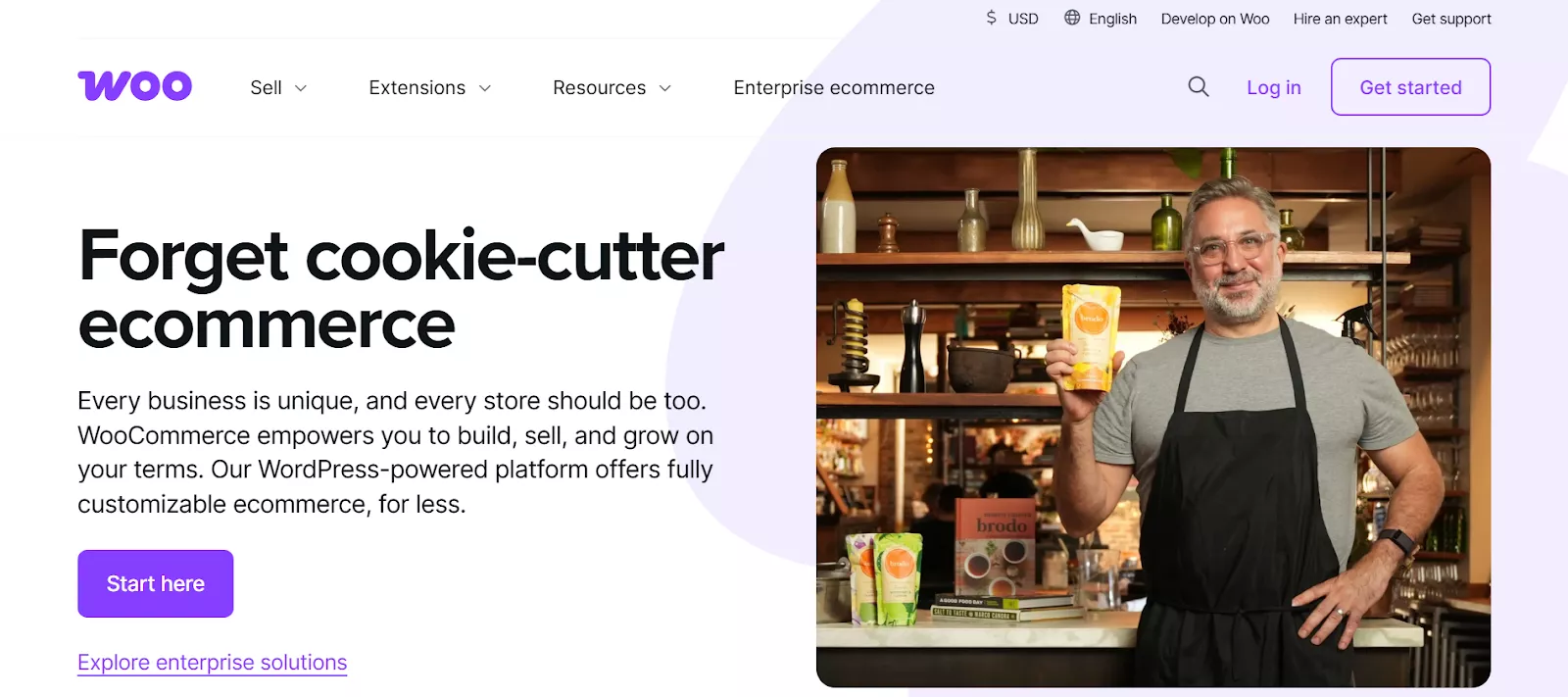
WooCommerce represents pure freedom for online stores. This open-source WordPress plugin transforms WordPress into a powerful eCommerce engine while maintaining flexibility, which is why many businesses turn to WooCommerce development services to build tailored shopping experiences with full control over data and functionality.
Thousands of extensions mean someone has likely already solved that specific challenge. For brands building something genuinely unique, WooCommerce offers a foundation that scales without imposing platform limitations.
Pros:
- Free plugin with extensive customization options
- Complete control over online store and customer data
- Thousands of extensions for added functionality
- Integrates seamlessly with WordPress content management
- No transaction fees or platform restrictions
Cons:
- Requires WordPress hosting and management
- Technical knowledge needed for advanced customization
- Premium extensions can become expensive
- Security and updates are owner’s responsibility
6. Webflow
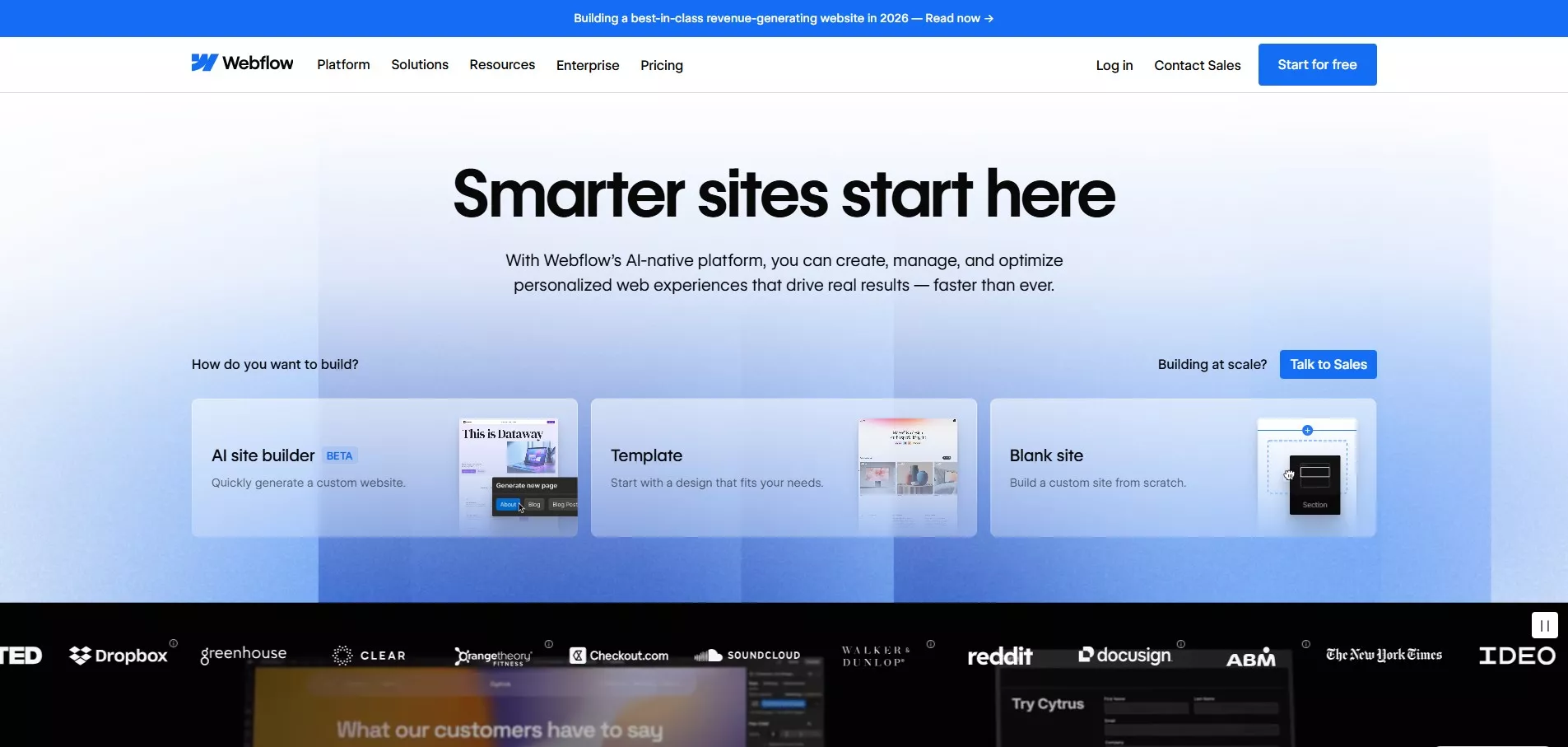
Webflow bridges creative vision and technical reality. For web designers frustrated by template limitations and marketers tired of depending on developers, Webflow offers unprecedented creative control without programming expertise.
The visual website builder respects design craft while delivering developer-grade code. Complex animations, sophisticated interactions, and pixel-perfect layouts? All created without coding.
Pros:
- Pixel-perfect design control without coding knowledge
- Clean, production-ready code generation
- Powerful CMS for dynamic content management
- Advanced animations and interaction capabilities
- Excellent for designer-developer collaboration
Cons:
- Significant learning curve for beginners
- Higher pricing tiers for advanced features
- eCommerce functionality still developing
- Limited third-party integrations compared to WordPress

best ai website builders with e-commerce features
7. Wix
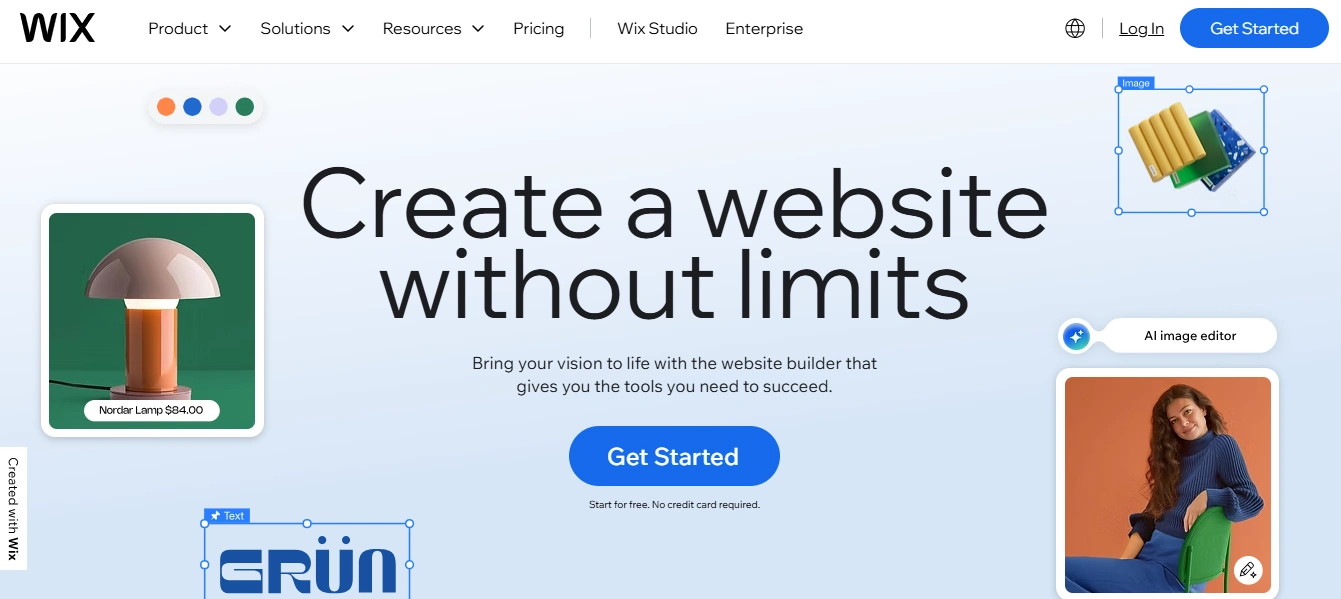
Wix removes every barrier between ideas and reality. With over 900 professionally designed templates, the platform speaks every industry’s language. The Wix ADI (artificial design intelligence) generates complete websites based on simple questions.
For someone launching their first business or testing a side project, the drag-and-drop website builder provides encouragement. The Wix Editor feels intuitive from the first click.
Pros:
- Extremely user-friendly drag-and-drop editor
- 900+ professionally designed templates
- AI-powered website creation with Wix ADI
- Extensive Wix App Market for functionality
- Free plan available with Wix branding
Cons:
- Cannot switch templates after publishing
- Ads on free plan can appear unprofessional
- Limited export options if migrating away
- Loading speed can be slower than competitors
8. Duda
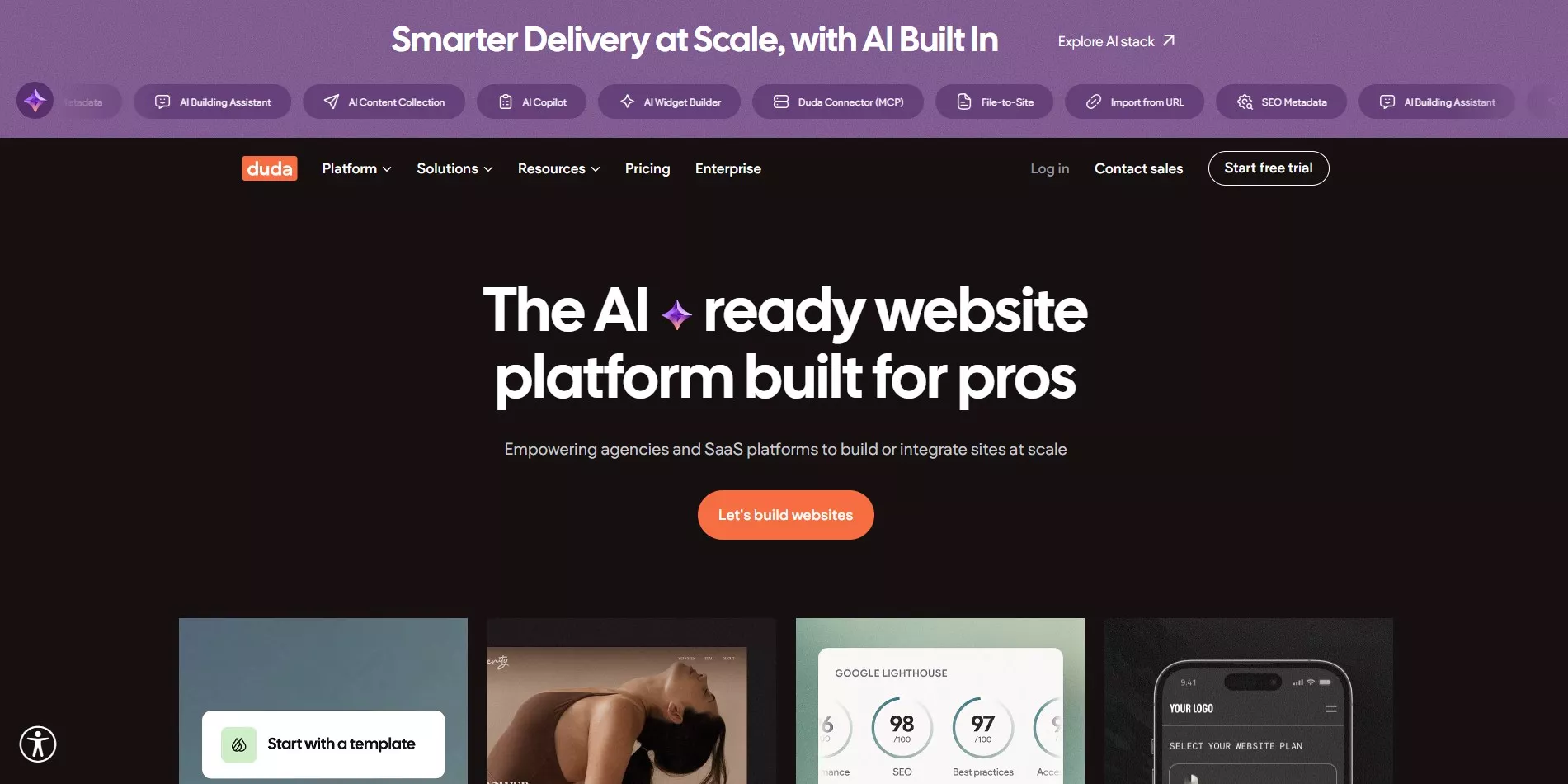
Duda was built specifically for agencies and web professionals managing multiple client websites simultaneously. White-label capabilities, team collaboration features, and client management dashboards bring order to complexity.
For web professionals managing multiple sites across different platforms, Duda offers centralized excellence with responsive templates.
Pros:
- Built specifically for agencies and teams
- White-label capabilities for client branding
- Excellent collaboration and team features
- Fast loading speeds and mobile optimization
- Client management dashboard included
Cons:
- Higher pricing focused on professional use
- Limited customization for advanced developers
- Smaller template library than consumer platforms
- Overkill features for individual users
9. Hostinger
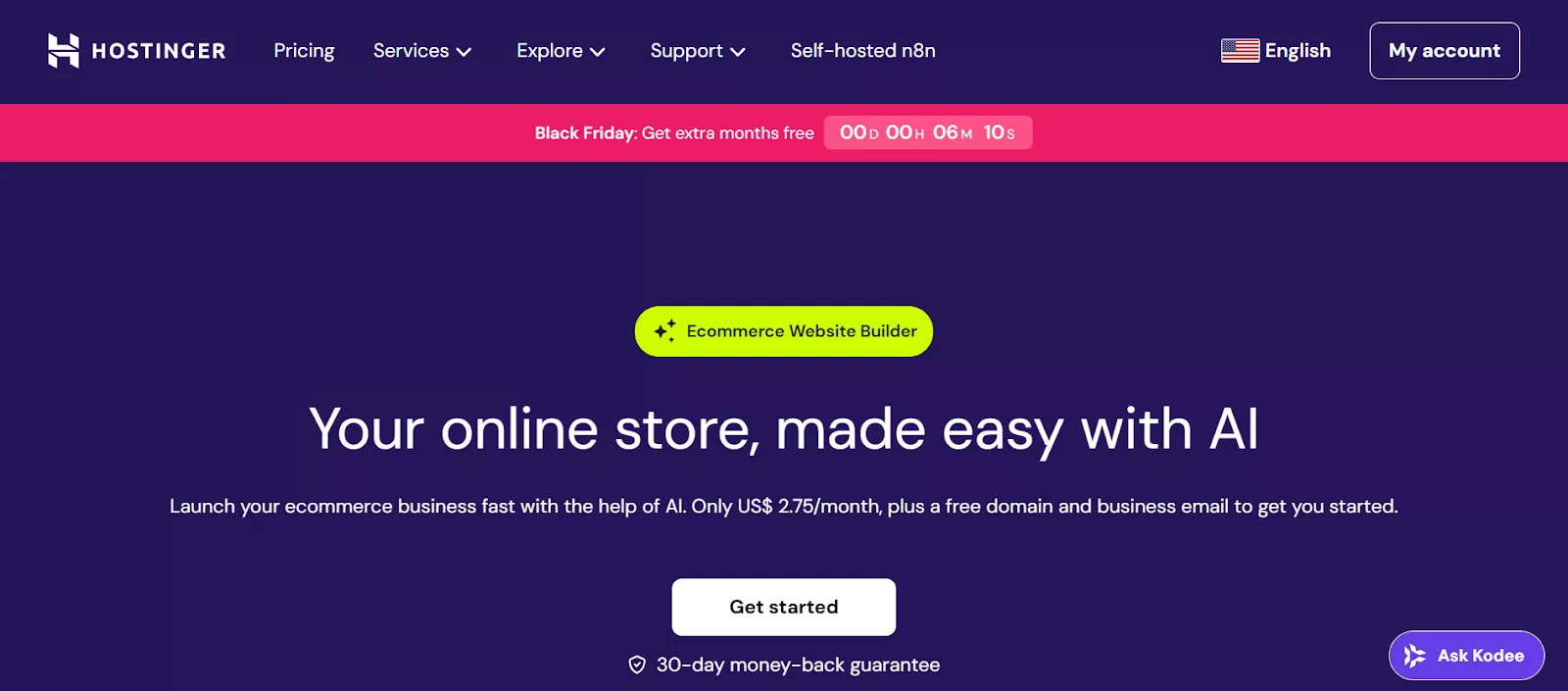
Hostinger champions affordability. For bootstrapped startups, freelancers building businesses on shoestring budgets, and students launching passion projects, Hostinger proves professional doesn’t require premium pricing.
AI-powered website creation tools compensate by automating design decisions and content optimization. The website builder includes hosting in all plans, eliminating separate expenses.
Pros:
- Extremely affordable pricing plans
- AI website builder tools included
- Web hosting included in all plans
- Simple interface for beginners
- Good value for basic business websites
Cons:
- Limited advanced features and customization
- Smaller template selection than competitors
- Basic eCommerce functionality only
- May require upgrades as business grows
10. IONOS
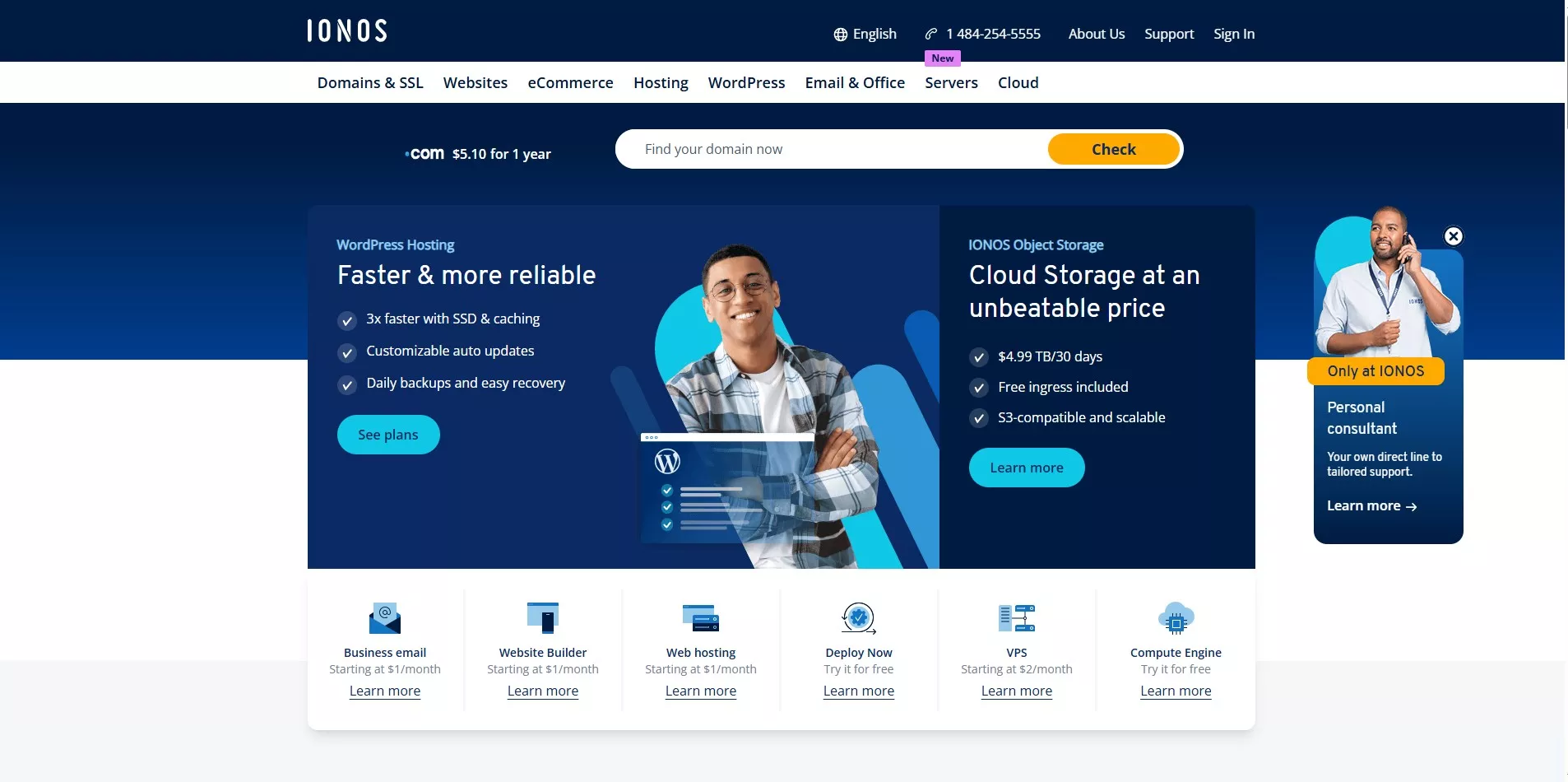
IONOS focuses on fundamentals done exceptionally well. For small business owners valuing reliability over flashiness, IONOS delivers security, performance, and simplicity with professional website templates.
Personal consultant support provides human connection. Strong security features protect reputation. Reliable hosting infrastructure ensures website stability.
Pros:
- Very affordable entry-level pricing
- Strong security features included
- Reliable hosting infrastructure
- Simple setup for basic websites
- Personal consultant support available
Cons:
- Limited design flexibility and templates
- Basic features compared to premium platforms
- Smaller app marketplace
- Not ideal for complex websites
11. GoDaddy
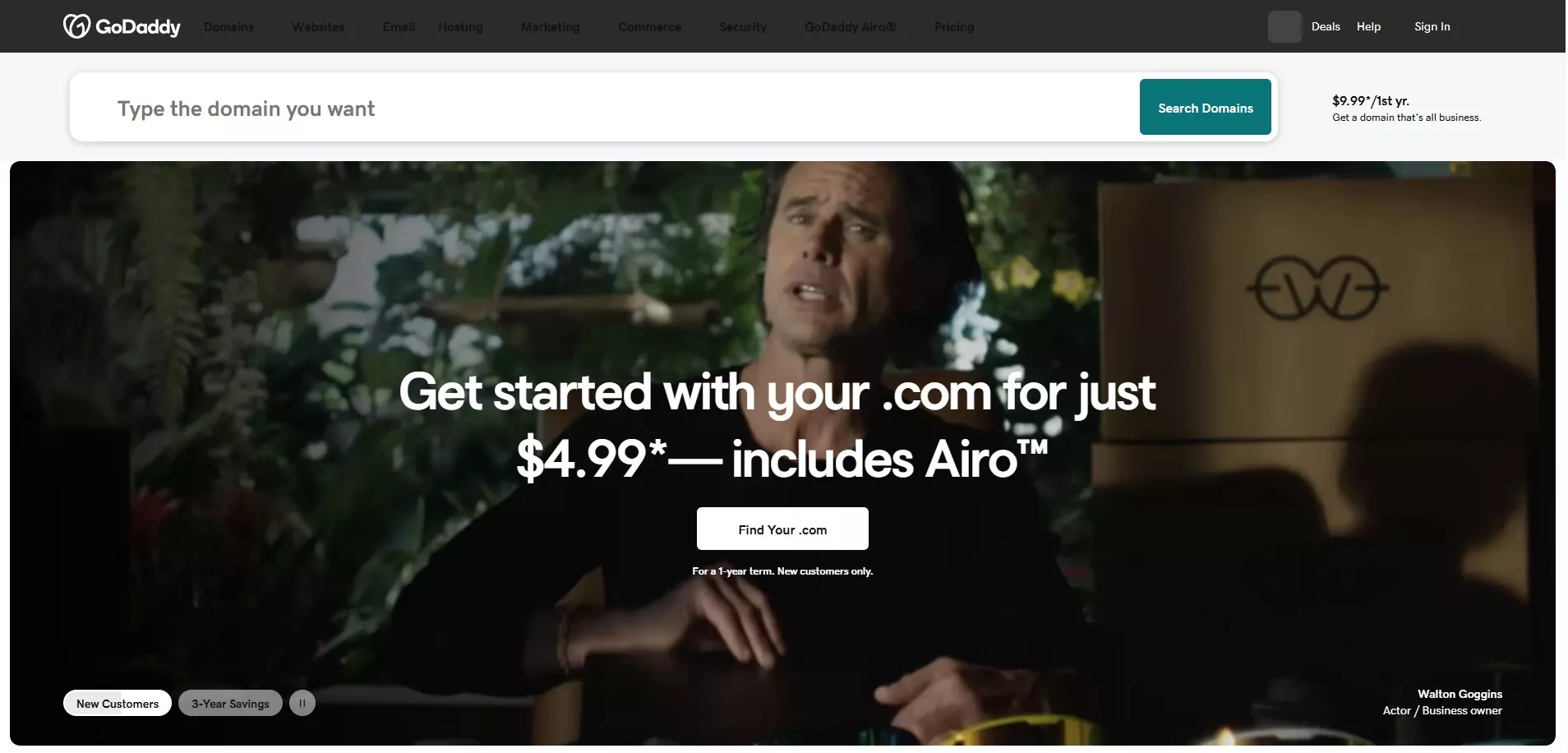
GoDaddy built its reputation on understanding urgency. When someone needs a website yesterday, GoDaddy delivers. The guided wizard streamlines website creation, asking the right questions and eliminating decision paralysis.
Integrated domain registration services streamline everything. Marketing and SEO tools come bundled. 24/7 support means help is always available.
Pros:
- Quick setup with guided wizard
- Integrated with domain registration
- Built-in marketing and SEO tools
- 24/7 customer support
- Good for basic business websites
Cons:
- Limited design customization options
- Upselling can be aggressive
- Fewer advanced features than competitors
- Template changes require site rebuild
12. Bluehost
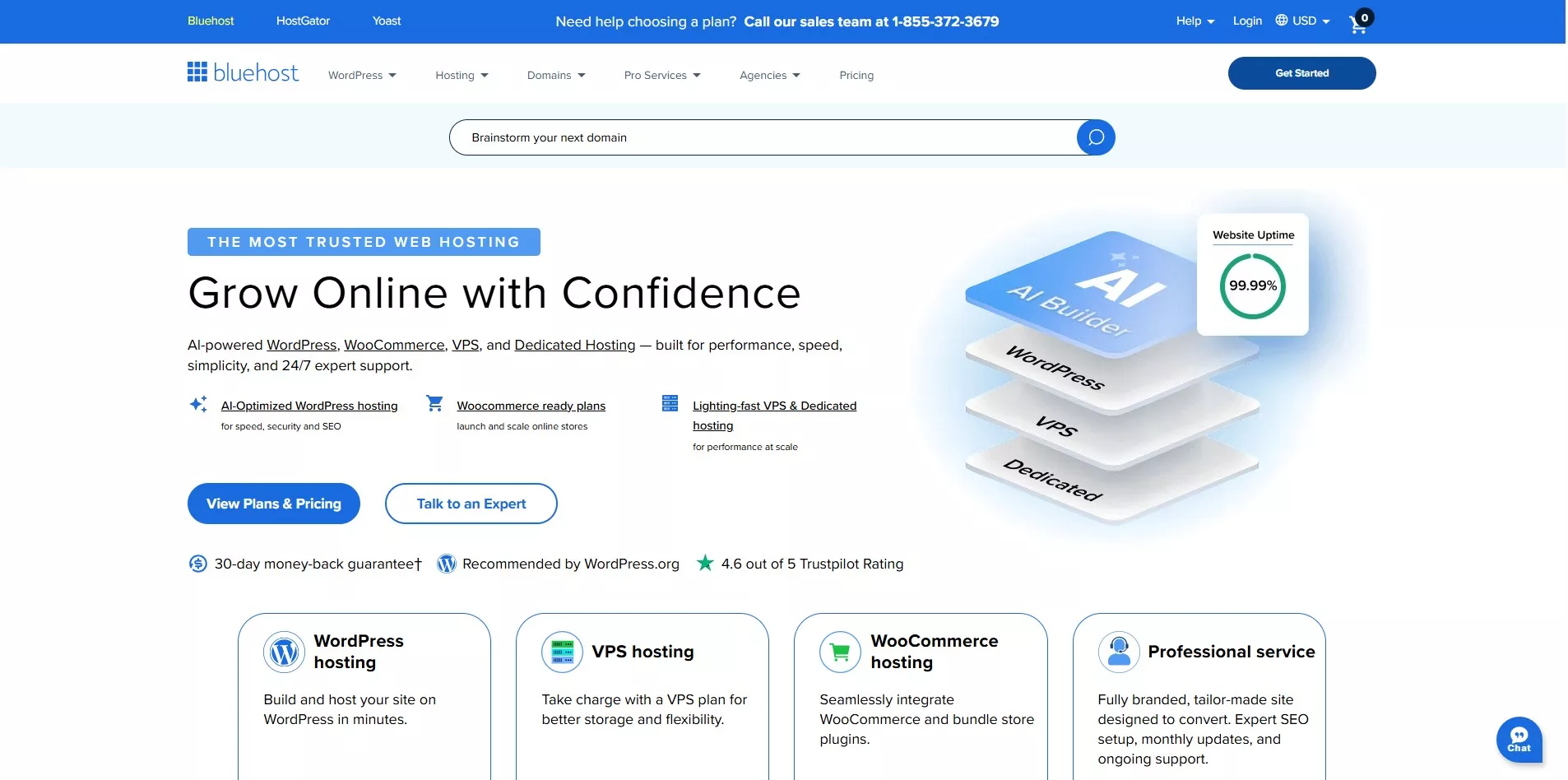
Bluehost provides the perfect middle ground between WordPress flexibility and simplified management. The WordPress hosting provider simplifies setup and daily management while preserving access to the vast WordPress ecosystem.
Free domain name for the first year and integrated hosting eliminate separate bills. This balanced approach suits WordPress beginners wanting room to grow.
Pros:
- WordPress hosting included in plans
- Free domain for first year
- Simplified WordPress management
- Access to WordPress plugins and themes
- Good customer support and resources
Cons:
- Renewal rates significantly higher
- Performance can vary with shared hosting
- Upsells during checkout process
- Still requires WordPress maintenance knowledge

best website builders for mobile-friendly websites
13. Tilda
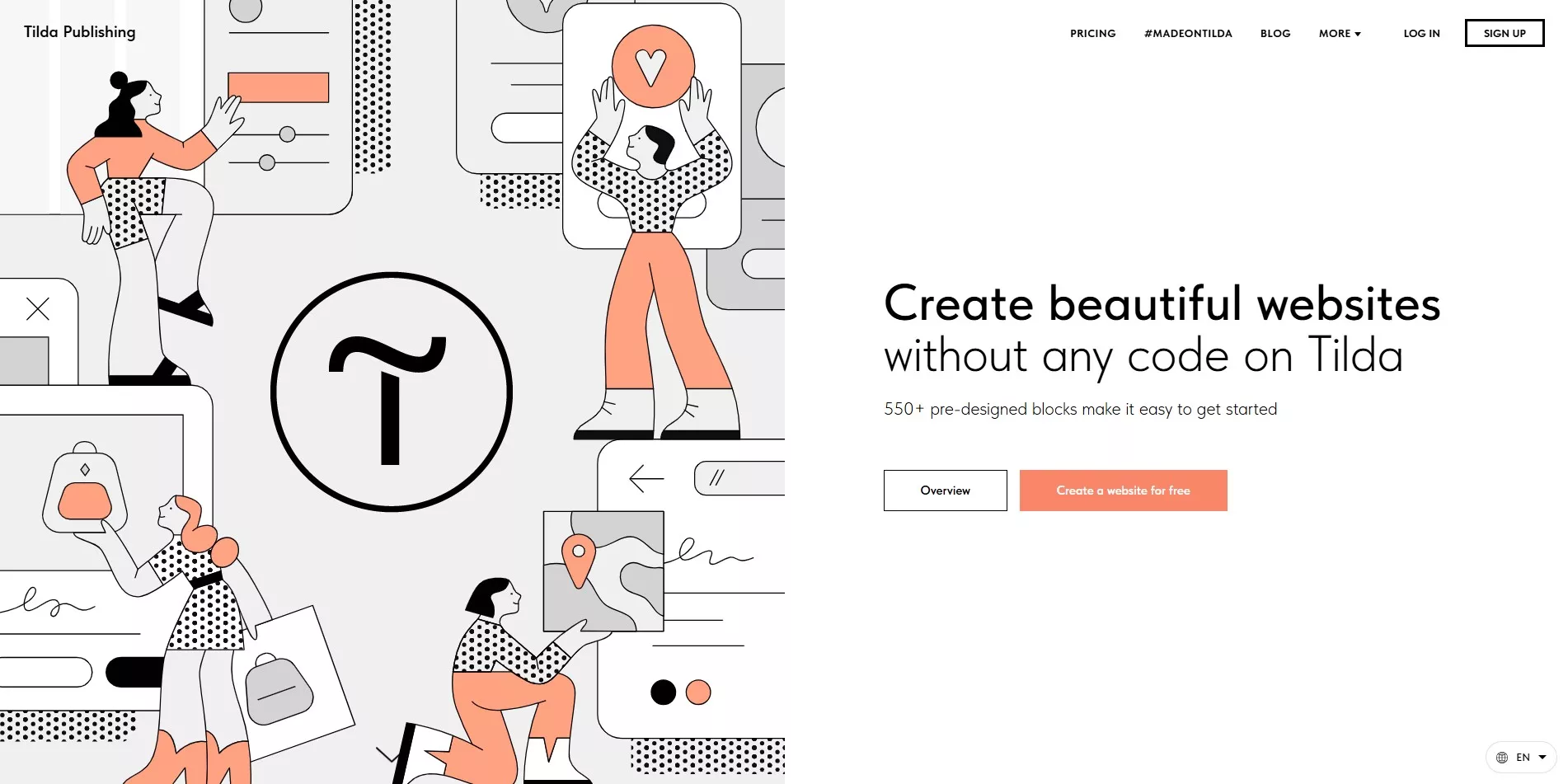
Tilda celebrates storytelling in elegant form. For brands built on narrative-creative portfolios, compelling landing pages, content-focused websites, Tilda provides the perfect canvas with block-based design.
Clean typography respects words. Pre-built content blocks accelerate creation without sacrificing uniqueness. The website builder empowers storytellers to tell better stories.
Pros:
- Beautiful block-based design system
- Excellent for storytelling and content
- Clean, modern aesthetic
- Free plan available for basic projects
- Good for landing pages and portfolios
Cons:
- Limited eCommerce capabilities
- Smaller community and resources
- Not ideal for complex websites
- Learning curve for block system
14. Weebly
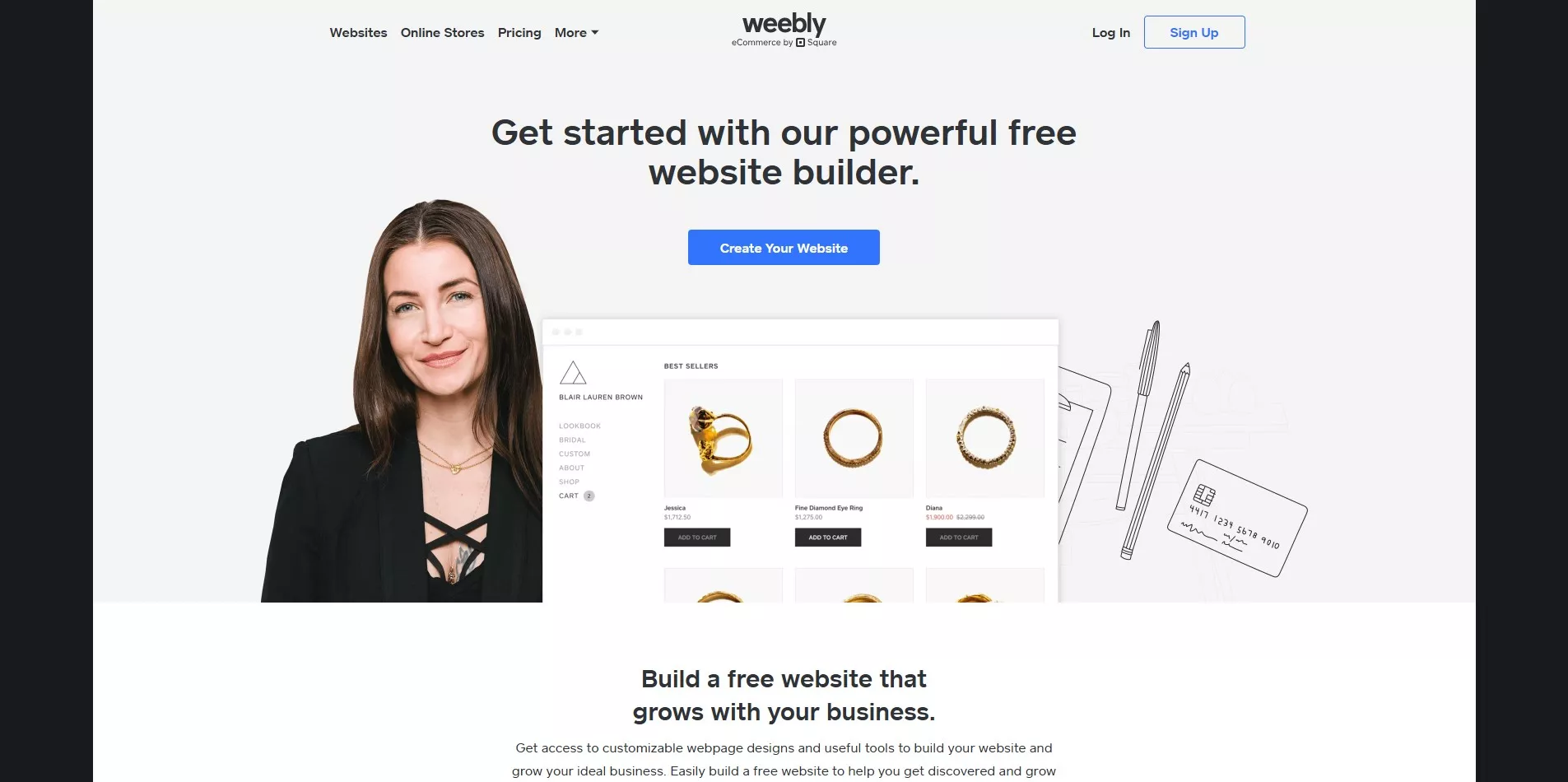
Weebly champions simplicity without apology. For absolute beginners taking first digital steps and small retailers needing straightforward online presence, Weebly removes intimidation completely.
Integration with Square POS systems creates seamless experiences for brick-and-mortar businesses expanding online. The drag-and-drop editor feels immediately familiar.
Pros:
- Extremely beginner-friendly interface
- Integration with Square POS system
- Free plan available
- Mobile app for site management
- Good for simple online stores
Cons:
- Limited design flexibility
- Fewer advanced features
- Smaller app marketplace
- Not suitable for large-scale operations
Not finding what you need in these platforms? Every business is unique, and sometimes standard builders-even the best ones-can’t deliver the specific functionality, integrations, or user experience that sets a brand apart. In those cases, custom web development may be worth exploring.
Website Builder Comparison Table
This comparison table gives you a quick overview of each platform’s strengths, usability, customization, and eCommerce capabilities, helping you easily identify which website builder aligns best with your business goals.
| Platform | Best For | Ease of Use | Customization | eCommerce | Starting Price |
|---|---|---|---|---|---|
| WordPress | Blogs, enterprise sites, full customization | Moderate | Excellent | Via WooCommerce | Free + hosting |
| Shopify | Online stores, eCommerce | Easy | Good | Excellent | $39/month |
| BigCommerce | Large-scale eCommerce, B2B | Moderate | Excellent | Excellent | $39/month |
| Squarespace | Creatives, portfolios, small businesses | Very Easy | Good | Good | $16/month |
| WooCommerce | WordPress eCommerce stores | Moderate | Excellent | Excellent | Free + hosting |
| Webflow | Designers, marketing sites, agencies | Moderate | Excellent | Good | $14/month |
| Wix | Small businesses, beginners | Very Easy | Good | Good | $17/month |
| Duda | Agencies, multi-client management | Easy | Good | Moderate | $19/month |
| Hostinger | Budget-conscious users, startups | Very Easy | Moderate | Basic | $2.99/month |
| IONOS | Small businesses, simple sites | Easy | Moderate | Basic | $1/month |
| GoDaddy | Quick setup, basic websites | Very Easy | Limited | Basic | $10/month |
| Bluehost | WordPress beginners | Easy | Good | Via WooCommerce | $2.95/month |
| Tilda | Storytelling, landing pages | Easy | Good | Basic | Free + $10/month |
| Weebly | Beginners, small retailers | Very Easy | Limited | Good | Free + $10/month |
Use this comparison to narrow down your options, then dive deeper into platforms that match your business requirements. The right choice balances ease of use, customization needs, eCommerce capabilities, and budget constraints.
How to Choose the Right Website Builder for Your Business
This decision feels overwhelming because it matters deeply. The right platform becomes a growth partner; the wrong one becomes a barrier. Breaking down the choice into clear factors transforms confusion into clarity:
1. Define Your Primary Purpose
Online stores, business blogs, corporate websites, and creative portfolios demand different capabilities. Clarity about primary purpose immediately eliminates platforms that can’t serve specific needs.
2. Match Platform to Technical Comfort Level
Non-technical users thrive with Squarespace or Wix. Those comfortable with moderate complexity benefit from WordPress or Webflow’s expanded capabilities. Choose based on your team’s actual skills, not aspirations.
3. Evaluate Design Flexibility Needs
Those wanting complete creative control should explore Webflow or WordPress. Users prioritizing simplicity and speed will find Wix, Hostinger, or GoDaddy more suitable. Consider whether you need pixel-perfect customization or professionally designed templates.
4. Plan for Growth and Scalability
Businesses expecting significant expansion should choose platforms like WordPress, Shopify Plus, BigCommerce, or Webflow that accommodate increasing traffic and complexity.
5. Calculate True Total Cost
Beyond monthly subscriptions, factor in transaction fees, premium apps, themes, plugins, and maintenance. Understanding complete costs prevents budget surprises and enables confident financial planning.
6. Prioritize Essential Features
Focus on must-have features: SEO capabilities for search visibility, eCommerce tools for online selling, marketing integrations for growth, and security features for protection. Don’t pay for features you won’t use.
7. Consider Support and Resources
Decide whether you need 24/7 professional support, community forums, or self-service documentation. Match the platform’s support level to your team’s expertise and comfort with troubleshooting independently.
Taking time to select wisely prevents wasted resources, migration headaches, and growth limitations that emerge just as your business is gaining momentum.
When to Consider Custom Web Development
Sometimes the journey demands more than templates can deliver. When your vision exceeds what standard platforms offer, when your brand identity requires something genuinely unique, or when business complexity needs custom solutions, professional web development services can transform ambitious requirements into remarkable digital experiences.
Consider custom development when:
- Unique Functionality: Your business needs features that don’t exist in any builder
- Complex Integrations: You require deep integration with proprietary business systems
- Enterprise Performance: You need industrial-grade speed, security, and scalability
- Complete Control: You want ownership of your entire codebase and infrastructure
- Competitive Advantage: Your website itself is a key differentiator in your market
Keep using builders when:
- You’re testing a business idea or launching quickly
- Your budget is under $5,000
- Standard features meet your needs
- You prefer lower maintenance and automatic updates
Most businesses succeed perfectly well with website builders. Custom development is a significant investment that makes sense only when standard platforms truly limit your business potential.
Final Thoughts
Choosing a website builder is more than selecting software – it’s choosing the foundation for your digital presence, the platform for customer relationships, and the engine driving your online growth.
The perfect platform balances today’s needs with tomorrow’s ambitions, provides current capabilities without limiting future possibilities, and supports the journey wherever it leads. There’s no universal best website builder because every business tells a different story.
Website builders have democratized web design, eliminating barriers like high costs and technical complexity. They’ve made professional online presence accessible to everyone with vision and determination.
For most businesses, these platforms provide everything needed to succeed online. However, companies with truly unique requirements may eventually need custom web development to achieve their full potential.
The key is honest assessment: Does a website builder meet your needs, or do you genuinely require something no platform offers? For the vast majority of businesses, the answer is that builders work beautifully.
Planning to build something extraordinary? Get in touch with our team to discuss the right next step for your website.
Frequently Asked Questions (FAQs)
1. What is the best website builder for beginners?
Wix and Squarespace lead among the easiest website builders for beginners. Both platforms offer intuitive drag-and-drop editing, professionally designed templates, and straightforward customization options. Beginners can launch functional websites quickly without coding knowledge or technical expertise.
2. Which website builder is best for eCommerce?
Shopify and BigCommerce dominate eCommerce platforms because they provide built-in checkout systems, multiple payment gateway integrations, inventory management tools, and scalable infrastructure for growing online stores. WooCommerce also excels for businesses wanting full control within WordPress environments.
3. What website builder is best for SEO?
WordPress.org stands out as the best website builder for SEO because it offers complete customization freedom, advanced SEO plugins like Yoast and Rank Math, robust schema markup tools, and total control over speed optimization, site structure, and technical performance elements that influence search rankings.
4. Are website builders good for large businesses?
Absolutely. Platforms like WordPress.org, Shopify Plus, BigCommerce Enterprise, and Webflow Enterprise are specifically designed to support large businesses with high traffic volumes, advanced security requirements, enterprise eCommerce capabilities, and powerful integration features that match enterprise demands.
5. Can websites be migrated from builders later?
Yes, most website builders support migration, though processes vary in complexity. WordPress and Shopify provide relatively smooth migration options. Other platforms may require manual effort during transitions. Professional web developers can assist with migrations that preserve content, functionality, and SEO value.
6. How much does it cost to build a website in 2026?
Website builder plans typically range from $10 to $30 monthly for basic business websites. eCommerce plans span $30 to $299 monthly depending on features and transaction volumes. Custom web development costs significantly more upfront (typically $5,000-$50,000+) but delivers advanced functionality, complete control, and can be more cost-effective long-term for complex requirements.
7. Is WordPress.org better than Wix or Squarespace?
WordPress.org provides substantially more flexibility, customization depth, and scalability than Wix or Squarespace. However, Wix and Squarespace offer easier user experiences for beginners who prefer not managing hosting or plugins. The optimal choice depends on specific goals, technical comfort level, and budget constraints.
8. Which website builder is best for blogs?
WordPress.org remains the best platform for blogging because it provides unlimited content control, extensive plugin ecosystem, superior SEO tools, and complete customization freedom. Medium and Ghost represent solid alternatives for pure blogging without additional website functionality needs.
9. Can websites be built without coding?
Definitely. Most modern website builders including Wix, Squarespace, Duda, Weebly, and Hostinger Website Builder feature drag-and-drop editors requiring zero coding knowledge. Users can design professional pages visually and publish within minutes without writing single lines of code.
10. Should businesses use website builders or hire custom development teams?
Use website builders when:
- Launching quickly with a limited budget (under $5,000)
- Testing business concepts before full investment
- Requirements fit standard templates and plugins
- Comfortable with platform limitations and ongoing subscription fees
Choose custom development when:
- Needing unique functionality no platform provides
- Requiring deep integration with proprietary business systems
- Demanding enterprise-level performance and security
- Planning significant growth with complex scalability needs
- Wanting complete control over user experience and codebase
- Your website is a core competitive advantage
Most businesses thrive with website builders. Custom development is a major investment that makes sense only when standard platforms genuinely limit your business potential. Start with a builder and upgrade to custom development only if you outgrow it.