Key Takeaways
- New Play submissions must now target Android 16 (API 36).
- Jetpack Compose powers 60% of the top 1,000 Play apps.
- Design offline sync first; retrofitting it later breaks data models.
- San Diego teams should replace retired Firebase Dynamic Links now.
- Platform rules, not trendy features, decide Android release success.
Android app development in 2026 rewards teams that read Google Play’s rulebook before they write their feature list. Since August 31, 2026, every new Android app and every update submitted to Google Play must target Android 16, and apps that miss that bar stop reaching new users on newer phones.
Most “Android secrets” articles still talk about trends. What we see on real healthcare and fintech builds for teams in San Diego and across California is different: the apps that stall are rarely missing a flashy feature. They get stuck at release time on a policy deadline, a sync bug, or a link that opens the wrong screen.
That is the angle of this guide. The five secrets below are platform rules and architecture choices that decide whether an Android app ships on schedule and keeps its users. Each one comes from patterns our engineers keep running into, and each section stands on its own, so you can jump to the one that matches the decision in front of you.
Why Does Android App Development Still Matter in 2026?
Android app development matters because the phone is now the main gateway to digital services for a large share of users. For healthcare and fintech products, that means the Android app is often the only screen a patient or customer uses to book, pay, or check results.
According to the Pew Research Center, 91% of U.S. adults owned a smartphone in its 2025 survey, and 16% use the internet mainly through their phone with no home broadband. For community clinics, credit unions, and benefits platforms, that smartphone-only group is often the audience they most need to reach.
Android devices are common in that group because they span a wide range of prices. A product team that treats Android as a second release after iPhone is often shipping last to the people who depend on the app most.
Secret 1: Treat Google Play’s Target API Deadline as a Roadmap Item
Google Play’s target API level rule is the single biggest release risk in Android app development, because it decides who can even install your app. The target API level tells Android which version’s behavior and privacy rules your app is built for.
According to Android Developers, new apps and updates must target Android 16 (API level 36) from August 31, 2026, with extensions available until November 1, 2026. Existing apps that target below Android 15 (API level 35) are no longer offered to new users on devices running newer Android versions.
The deadline is rarely a one-line change. Raising the target level switches on newer platform behavior, such as stricter background work limits, edge-to-edge screen layouts, and updated permission flows. Each of those touches screens and services that were tested against older rules.
A second rule hides in the same release window. Since November 1, 2025, Google Play has required new apps and updates targeting Android 15 or higher to support 16 KB memory pages. Apps that bundle native code, including many older payment, scanning, and video SDKs, need updated libraries or a rebuild before Play accepts the upload.
The practical fix is to put the next target API bump on the product roadmap every spring. Google announces the new level each year, and teams that upgrade early get a calm testing window instead of a forced rush in August. This planning step also makes build vs buy software decisions clearer, since every third-party SDK you buy becomes a dependency you must keep current.
Secret 2: Jetpack Compose Is Now the Default Android UI Toolkit
Jetpack Compose is Google’s modern toolkit for building Android screens in Kotlin code instead of XML layout files, and it is now the default choice for new Android app development. Compose lets developers describe what a screen should show for a given state, and the toolkit redraws only what changed.
According to the Android Developers Blog, 60% of the top 1,000 apps on Google Play use Compose. That adoption matters for a buyer, not just a developer: new Google libraries, sample code, and form-factor support for tablets, foldables, and wearables now arrive Compose-first.
For an existing app, a full rewrite is rarely the right move. Compose works alongside older XML screens, so teams can build every new screen in Compose and migrate legacy screens as they are touched. We usually start with the screens that change most often, such as onboarding and settings, because that is where faster iteration pays off first.
Compose also supports large screens with less extra code. Healthcare teams that hand Android tablets to front-desk staff or field clinicians get one codebase that adapts to phone and tablet layouts, which keeps patient portal software development from splitting into separate mobile and tablet projects.
Secret 3: Design Offline-First Before You Design Features
An offline-first app saves every user action to the device first and syncs it with the server when a connection returns, so the app keeps working without internet. In Android app development, this pattern usually relies on a local database such as Room and a background job scheduler such as WorkManager.
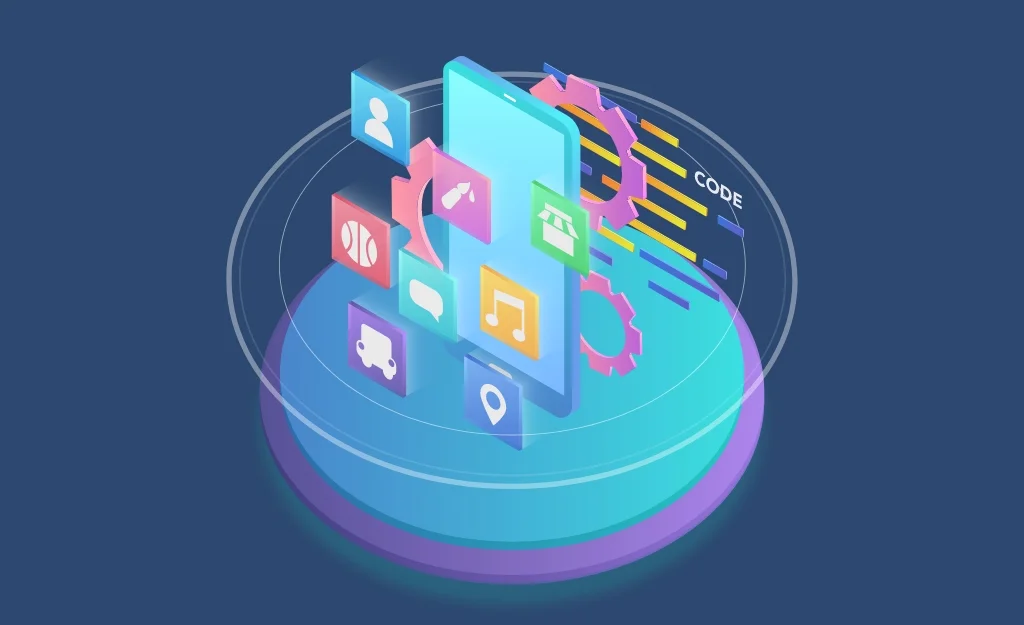
The secret is timing. Offline support added late forces changes to the data model, because every record now needs a local ID, a sync status, and a rule for what happens when two devices edit the same item. Teams that plan for it on day one avoid rewriting their API contracts halfway through a project.
We see this most clearly in home health and field service apps. A clinician visiting patients in the rural Central Valley outside Fresno often loses signal inside a home, finishes the visit note anyway, and expects it to upload in the car. If the app blocks the save screen without a connection, staff switch to paper and re-enter notes later, which is where data errors creep in.
Fintech apps face a different version of the same problem. A payment queued offline must never be sent twice, so the sync layer needs idempotency keys, which are unique IDs that let the server ignore a duplicate request. Getting this right is part of solid fintech software development, not an add-on for later.
Use this short checklist before any feature work starts:
- List which screens must work with no connection and which can show a “reconnect” message.
- Decide the conflict rule for each data type: last write wins, server wins, or manual review.
- Give every record a local ID and a sync status field from the first database migration.
- Test on a throttled network and in airplane mode as part of every release, not only at launch.

Shareability in 2026 means that a link sent by text, email, or social media opens the exact screen inside the app, or a useful web page when the app is not installed. On Android, this is handled by Android App Links, which are verified web URLs that the system opens directly in your app.
Many apps built before 2025 relied on Firebase Dynamic Links for this job. According to Firebase, the service shut down on August 25, 2025, after which old links return a 404 error. Any appointment reminder, referral invite, or password reset still using those links now sends users to a dead page.
Broken links hurt healthcare and fintech apps more than most, because their links carry intent. A bill reminder that opens the home screen instead of the payment screen adds steps right at the moment a user is ready to act. A visit reminder that fails to open makes a no-show more likely, and that is a problem appointment scheduling software is supposed to solve.
A quick audit fixes most of this. Search your app, emails, and SMS templates for old link domains, host a Digital Asset Links file on your website so Android can verify ownership, and map each link type to one screen with a sensible fallback. Then add the system share sheet to screens users actually want to share, such as a receipt, a referral, or a class schedule.
Secret 5: Build for Android XR Only When the Task Demands It
Android XR is Google’s version of Android for headsets and smart glasses, and it is worth building for only when a task gains real value from 3D space. Samsung’s Galaxy XR headset, released in October 2025, was the first consumer device to run it.
The useful secret here is that most existing Android apps already run on Android XR as flat panels in the user’s space. Teams do not need a separate spatial app to be present on the platform. They need a responsive Compose layout that holds up when the window is resized.
Dedicated spatial features make sense for a narrow set of jobs. Surgical planning, physical therapy guidance, and equipment training are strong candidates because depth and scale change the outcome. Products such as a 3D medical imaging solution fit this profile, while a bill-pay or booking app gains little from it.
Our advice is to treat XR as a later phase. Ship a strong phone and tablet experience first, confirm it adapts to resizable windows, and invest in spatial screens only when users ask to see something in 3D.
Is Native Kotlin or Flutter Better for Android App Development?
Native Kotlin is the better choice when an app depends heavily on Android-specific features, while Flutter is the better choice when one team must ship to Android and iPhone with a shared codebase. Both can meet the five secrets above, but they meet them in different ways.
| Decision factor | Native Kotlin with Compose | Flutter |
|---|---|---|
| New Android platform features | Available on release day | Arrive after plugin updates |
| Target API and 16 KB upgrades | Depend on your code and SDKs | Also depend on the Flutter engine and plugins |
| Shared code with iPhone | UI is separate per platform | One UI codebase for both |
| Best fit | Device-heavy apps: Bluetooth, health sensors, background sync | Form-driven apps with matching Android and iOS screens |
For teams that need both platforms quickly, Flutter app development keeps one UI codebase while still allowing native Kotlin modules where a device feature needs them. For products where iPhone gets its own fully native build, pairing Android work with dedicated iOS app development keeps each app closest to its platform’s rules.
What Release-Day Rejections Teach Us About Android Builds in California
Across the Android projects we take on, the most common cause of a missed launch date is not a feature. It is a release blocked by a policy change, a native SDK that fails the 16 KB check, or a link scheme that stopped working months earlier without anyone noticing.
At Bitcot, we now run a “platform health” review before scoping new features for any Android app we inherit. It checks the target API level, every native library, every link domain, and how the app behaves in airplane mode. Clients who come to us for software development in San Diego are often surprised that this review shortens their roadmap.
The reason is simple: it removes rework that would otherwise land in the final month before launch. The same pattern holds for Bay Area startups that reach us for mobile app development in San Francisco, where investor demos often hinge on a build that installs cleanly from Google Play.
Conclusion
The real secrets of Android app development in 2026 are less about trends and more about rules and foundations. Keep the target API level on your roadmap, build new screens in Jetpack Compose, design offline sync before features, replace any retired link service with Android App Links, and save Android XR for tasks that need depth.
Teams that handle these five decisions early ship on time and keep the users who depend on their phone the most. If you are planning a new Android app or updating one that has fallen behind Google Play’s requirements, start with a platform health check before you add the next feature.