Key Takeaways
- eCommerce automation replaces manual handoffs between the store, warehouse, and CRM.
- U.S. online sales grew 12.2% year over year in Q2 2026.
- Automate shipping delay notices first; FTC deadlines depend on them.
- San Diego merchants often trace order delays to silent webhook failures.
- Design every workflow for failure: idempotency, reconciliation, and alerts.
The category covers everything from a plugin that sends a review request to an orchestration layer that routes each order to the nearest warehouse. What separates a professional setup from a collection of shortcuts is data ownership: every workflow knows which system holds the master record, and every action can be traced back to the event that caused it.
How Does eCommerce Automation Work Step by Step?
eCommerce automation works in five stages: an event fires, the data is reshaped, rules decide the route, actions execute, and the receiving system confirms the result. Each stage is a place where a workflow can succeed quietly or fail quietly.
- Event trigger: A webhook pushes a data payload the moment something happens, such as a paid order or a refunded line item. Older integrations poll on a schedule instead, which adds delay and can skip changes that happen between checks.
- Data transformation: The automation layer maps fields between systems. It splits a full name into first and last, normalizes state codes, or converts a product variant into the warehouse’s item number.
- Routing rules: Conditional logic decides where the data goes next. An international order branches to customs paperwork, while an order containing a backordered item branches to a delay workflow.
- Action execution: The system performs the work a person used to do: decrementing stock on every channel, creating a pick ticket, posting to the warehouse Slack channel, or generating a packing slip.
- Confirmation: A reliable workflow waits for the receiving system to acknowledge success and records that it did. Without this step, a failed action looks identical to a completed one.
Why Do Manual Order Workflows Break as a Store Grows?
Manual order workflows break because their capacity is fixed by headcount while order volume is not. A process that runs smoothly at 30 orders a day becomes a backlog at 300, and the people running it turn into the bottleneck at exactly the moment the business is growing.
Shipping Promises Carry Legal Deadlines
Late shipments are more than a service problem. According to the Federal Trade Commission, sellers must ship within the time they advertise, or within 30 days when no time is stated. If they cannot, they must offer the customer a choice between accepting the delay and cancelling for a prompt refund, and that offer has to go out before the original deadline passes.
Those details shape how the software should be built. The FTC’s business guide explains that a store advertising 48-hour shipping must send any delay notice within 48 hours, that a notice posted only on an order-status page is not enough by itself, and that the seller stays responsible even when a fulfillment house or drop shipper causes the delay. A team checking backorders by hand once a day will miss those windows during a busy week.
That is why a delay-notice workflow belongs near the top of any automation roadmap. It watches inventory against open orders, sends the customer notice automatically, and logs what was sent and when. Treat this as engineering guidance rather than legal advice, and confirm the specifics for your business with counsel.
Small Error Rates Compound Into Returns
Every manual re-keying step is a chance to transpose a zip code or pick the wrong variant. One wrong digit on a single order is an annoyance. The same slip repeated across hundreds of weekly orders becomes a steady stream of reships, refunds, and support tickets that rarely get traced back to their root cause.
Skilled People End Up as the Integration Layer
When systems do not talk to each other, employees fill the gap by exporting, reformatting, and re-uploading data. That work never appears on an org chart. Its true cost usually surfaces only when the person doing it takes a week off and the handoffs stop.

Which eCommerce Automation Workflows Deliver the Most Value?
The eCommerce automation workflows that pay back fastest share three traits: high event volume, rules that can be written down, and a clear consequence when they fail. The seven below meet all three for most direct-to-consumer and multi-channel stores.
Backorder Detection and Delay Notices
This workflow compares open orders against live stock and supplier arrival dates every time inventory changes. When a paid order can no longer ship on time, it sends the delay notice, holds the order, and records the customer’s response. A legal exposure becomes a routine, logged event.
Inventory Reorder Triggers
An automated reorder workflow tracks sales velocity for each SKU and drafts a purchase order when projected stock falls below the supplier’s lead time. Buyers approve the draft instead of building it from a spreadsheet, which keeps a human decision in the loop without the manual assembly.
Order Updates Driven by Carrier Events
Carrier tracking webhooks update the order record and message the customer at each meaningful milestone: label created, in transit, out for delivery, delivered, or exception. Exception messages carry the most weight, because they reach the customer before the frustration does and head off a large share of “where is my order” tickets.
High-Value Customer Routing
A routing rule flags orders from repeat buyers or customers above a lifetime-value threshold and assigns a task for a team member to add a personal touch. Stores that run their customer relationships in Salesforce connect this through a Salesforce integration, so the flag, the order, and the full customer history sit in one record.
Cart Recovery Segmented by Intent
Most abandoned carts were never close to converting. According to the Baymard Institute, the average documented cart abandonment rate across 50 studies is 70.22%, and 42% of U.S. online shoppers in its research had abandoned a cart simply because they were browsing and not ready to buy.
That finding changes how recovery automation should work. Instead of one discount email to every abandoner, segment by signal, such as viewing the shipping cost, returning after a prior visit, or leaving at account creation, and send each group a different message. Reserve discounts for the segments where friction, not indecision, caused the exit.
Returns Authorization
An automated returns flow checks each request against your policy window and item eligibility, issues a return label, alerts the warehouse, and releases the refund or store credit when the carrier scans the package back in. Staff only handle the exceptions, such as damaged goods or requests outside the window.
Multi-Channel Stock Sync
Merchants selling on their own storefront plus Amazon and eBay need a single inventory source of truth that pushes changes to every channel within seconds of a sale. Our WooCommerce development work often starts with this workflow, because overselling on a marketplace damages seller ratings faster than almost any other operational mistake.
Where eCommerce Automation Breaks, and How to Engineer Around It
eCommerce automation breaks most often at the seams between systems, and those failures are usually silent. A workflow that stops firing does not show an error on your storefront. It simply stops, while new orders keep arriving as if nothing were wrong.
WooCommerce offers a clear example. Its official webhook documentation states that the platform automatically disables a webhook after more than five consecutive delivery failures, counting any response other than a 2xx, 301, or 302 status code as a failure. A receiving endpoint that goes down during a short maintenance window can therefore switch off an order integration until someone notices and turns it back on.
Raising that limit with the woocommerce_max_webhook_delivery_failures filter buys time, but it does not fix the design. Resilient automation assumes every connection will fail at some point and builds these safeguards in from the start.
| Failure mode | What you notice | Safeguard to build in |
|---|---|---|
| Disabled or failing webhook | Orders stop syncing with no visible storefront error | Heartbeat check that alerts when no events arrive within an expected window |
| Duplicate event delivery | Stock decremented twice or an order shipped twice | Idempotency keys so the same event is processed only once |
| Events arriving out of order | A refund processed before the order exists downstream | Status check against the source record before each action |
| Field mapping drift after a plugin or app update | Blank addresses or wrong SKUs reaching the warehouse | Payload validation that rejects and queues malformed data |
| Partial failure mid-workflow | Stock updated but no pick ticket created | Scheduled reconciliation job comparing both systems |
These safeguards are standard practice in backend engineering, yet they rarely come built into no-code tools. Teams without in-house engineers often add them through DevOps consulting, wrapping the automation layer in monitoring, alert routing, and log retention instead of relying on each tool’s own dashboard.
How to Implement eCommerce Automation in Five Steps
Implementing eCommerce automation safely follows five steps: audit the handoffs, assign data ownership, design for failure, pilot on a small slice, and monitor continuously. Skipping the middle steps is the most common reason automation creates more cleanup work than it removes.
- Audit every manual handoff. List each point where someone copies, exports, or re-keys data, then note how often it happens and what breaks when it runs late. Ranking by volume and consequence usually puts delay notices and inventory sync at the top.
- Assign a source of truth for each data type. Decide which system owns inventory counts, customer identity, and order status, then clean duplicate SKUs and customer records before connecting anything. Automation copies bad data faster; it does not repair it.
- Design the error path before the happy path. Map what happens when a payload is missing a field, arrives twice, or never arrives, and decide who gets alerted and how quickly. This is also the moment to weigh build vs buy software, since the answer depends on how much custom logic the error path needs.
- Pilot one workflow on one channel. Run real orders through the new flow in parallel with the old process for a few days, and compare every field in the destination system against the source. Expand only once the two match.
- Monitor, review, and retire. Review logs weekly at first, then monthly, and remove workflows that no longer justify their upkeep. When a store outgrows off-the-shelf connectors, custom software development usually replaces the most fragile links first rather than the whole stack.
eCommerce Automation Tools Compared for 2026
The right eCommerce automation tool depends on three factors: how technical your team is, how many events you process each day, and how much custom logic your error path needs. The six platforms below cover most mid-market needs, and many stores combine two of them.
| Tool | Best fit | Watch for |
|---|---|---|
| n8n | Technical teams, high event volume, self-hosting | Your team owns hosting, upgrades, and uptime |
| Microsoft Power Automate | Stores tied to Microsoft 365, SharePoint, or Dynamics | Storefront connectors are thinner than Microsoft-native ones |
| Zapier | Fast, linear connections between SaaS apps | Complex branching becomes hard to maintain |
| Make | Visual, multi-branch scenarios | Large scenarios need naming and documentation discipline |
| Airtable | Operational database for products and vendors | Not a substitute for an ERP at high volume |
| Monday.com | Turning automated events into assigned tasks | Relies on other tools to move the underlying data |
n8n: Control for Technical Teams
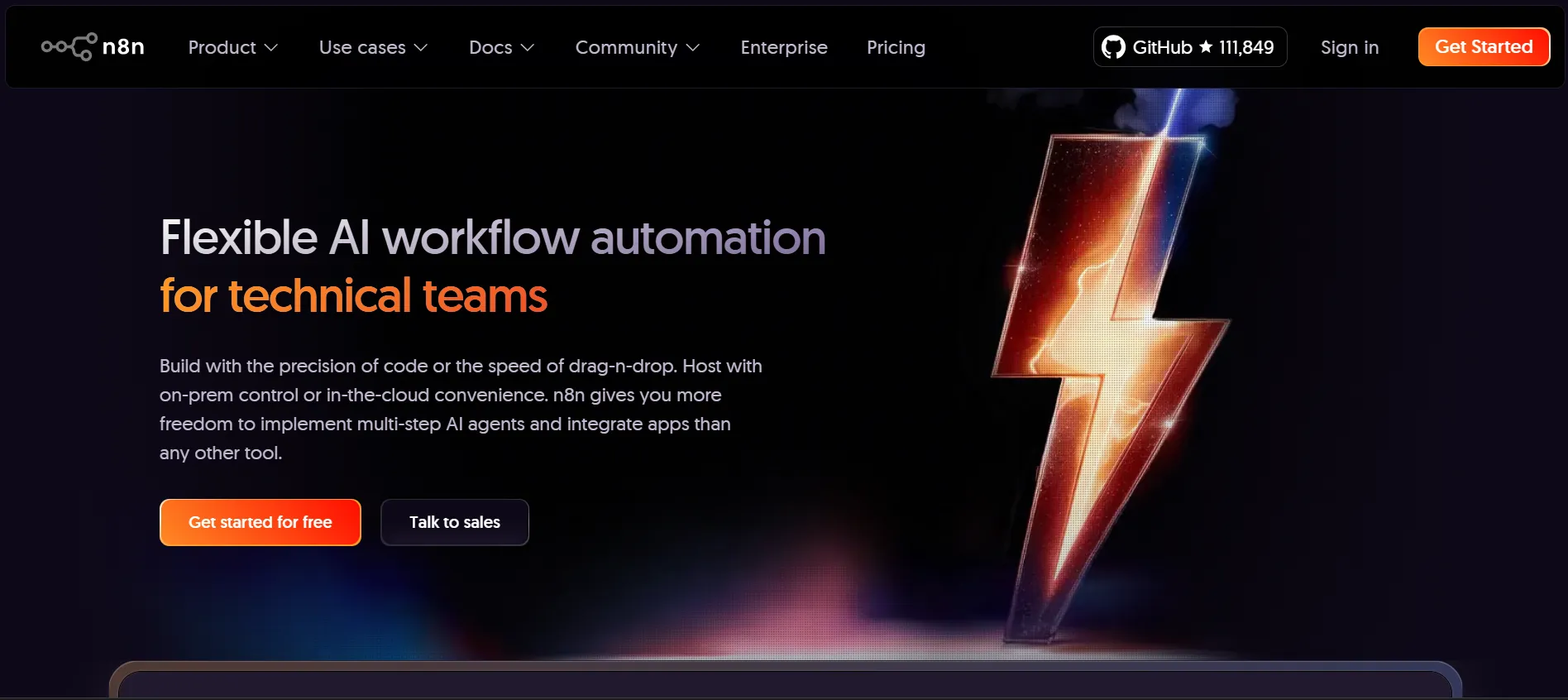
n8n is a fair-code workflow platform that can run on your own servers, giving technical teams full control over data and execution volume. It supports custom JavaScript inside workflows, which makes it a strong fit for the idempotency checks and reconciliation jobs described above. The tradeoff is ownership: your team maintains the hosting, upgrades, and uptime.
Microsoft Power Automate: The Microsoft 365 Bridge

Power Automate suits stores whose finance and operations teams already work inside Microsoft 365, SharePoint, or Dynamics. Our Microsoft Power Automate projects often use it to route daily order and settlement data into SharePoint lists that finance reviews each morning.
Zapier: The Fastest Path to a First Workflow

Zapier offers one of the largest libraries of prebuilt app connections and the shortest path from idea to working automation for non-technical teams. It works best for linear flows. Once a process needs several branches, retries, and custom error handling, maintenance effort climbs quickly.
Make: Visual Logic for Multi-Branch Workflows
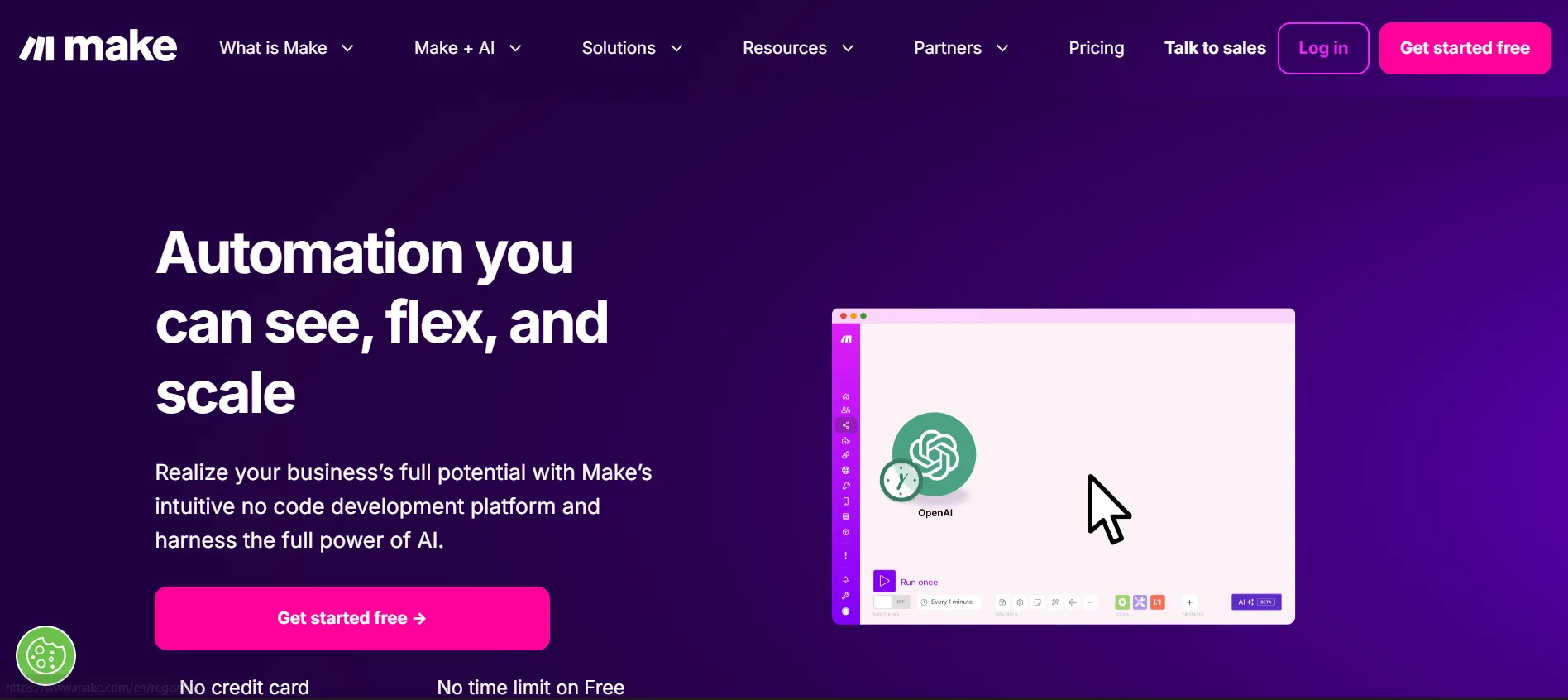
Make, formerly Integromat, builds scenarios on a visual canvas, which makes multi-branch logic easier to read and review than a long linear chain. It handles data transformation well, such as choosing a warehouse by destination and formatting a custom packing slip in the same run.
Airtable: The Operational Record
Airtable works as a relational database with built-in automations, making it a practical home for product data, production status, and vendor details. A change to any record can trigger downstream workflows, which keeps purchasing and merchandising teams working from the same data.
Monday.com: Where Automation Hands Off to People

Monday.com is where automated events become assigned work. When a return arrives or a delay notice goes unanswered, a task appears on the right board with the order context attached, so people spend their time resolving exceptions instead of hunting for them.
When API-Based Tools Are Not Enough
Some back-office systems expose no API at all, such as an older supplier portal or a legacy accounting package. For those, robotic process automation uses software bots to operate the interface the way a person would, and it pairs well with the API-based tools above.
Stores that extend automation beyond orders into finance approvals, vendor onboarding, or HR requests are moving into broader business process automation. The same design rules apply there: one source of truth, a defined error path, and an alert when events stop arriving.
What Our Engineers Keep Finding in WooCommerce Automation Audits
When stores bring us a broken automation, the tool is rarely the real problem. Across audits for merchants in San Diego, Los Angeles, and Irvine, the recurring pattern is an integration built with no failure path: a webhook that disabled itself weeks earlier, a plugin update that renamed a meta key, or two sales channels writing to the same stock field.
At Bitcot, our engineers start eCommerce engagements by tracing one real order from checkout to delivery and logging every system it touches. That single exercise usually exposes more risk than a full tool comparison. For brands looking for software development in San Diego, the lesson is simple: the first automation worth building is the one that tells you when the others stop working.

Conclusion
eCommerce automation earns its value when it is treated as software rather than a set of shortcuts. The workflows themselves, from delay notices and stock sync to segmented cart recovery, are well understood. What separates stores that scale from stores that firefight is whether each workflow has an owner for its data, a defined error path, and an alert that fires when events stop arriving.
Start with the handoff that carries the highest consequence when it runs late, which for most stores is the delay notice tied to a shipping promise. Build it with idempotency and monitoring from day one, prove it on real orders, then expand. If you want a second set of eyes on how your current stack handles failure, our team is glad to walk through it with you.
Frequently Asked Questions
What is eCommerce automation?
eCommerce automation uses software to move data and trigger actions between an online store’s systems without manual handoffs. It connects the storefront, warehouse, CRM, and accounting tools so that an event such as a paid order automatically updates stock, creates fulfillment tasks, and notifies the customer.
What is the difference between eCommerce automation and robotic process automation?
eCommerce automation connects systems through APIs and webhooks, while robotic process automation uses software bots to operate interfaces without APIs. Most stores rely on API-based workflows for their storefront and marketplaces, and add RPA only for older portals or back-office tools that cannot be integrated directly.
How do I start automating my online store?
Start by auditing every manual handoff and automating the one with the highest consequence when it runs late. For most stores, that is backorder detection and shipping delay notices, followed by multi-channel inventory sync. Assign a source of truth for each data type, design the error path first, and pilot on real orders before expanding.
How are San Diego eCommerce brands using automation?
San Diego eCommerce brands commonly automate multi-channel inventory sync, carrier-driven order updates, and handoffs to third-party logistics providers. Merchants across Southern California, including Los Angeles and Irvine, are also adding monitoring around their WooCommerce integrations because silent webhook failures are a recurring cause of delayed orders.
Is eCommerce automation worth it for a small online store?
Yes, for most small stores, the first workflows pay off because they prevent errors and missed shipping deadlines, not because they replace staff. A store shipping a few dozen orders a day still operates under the FTC’s shipping rules and sees the same cart abandonment patterns as larger retailers. Starting with one or two well-monitored workflows keeps the setup simple and the risk low.